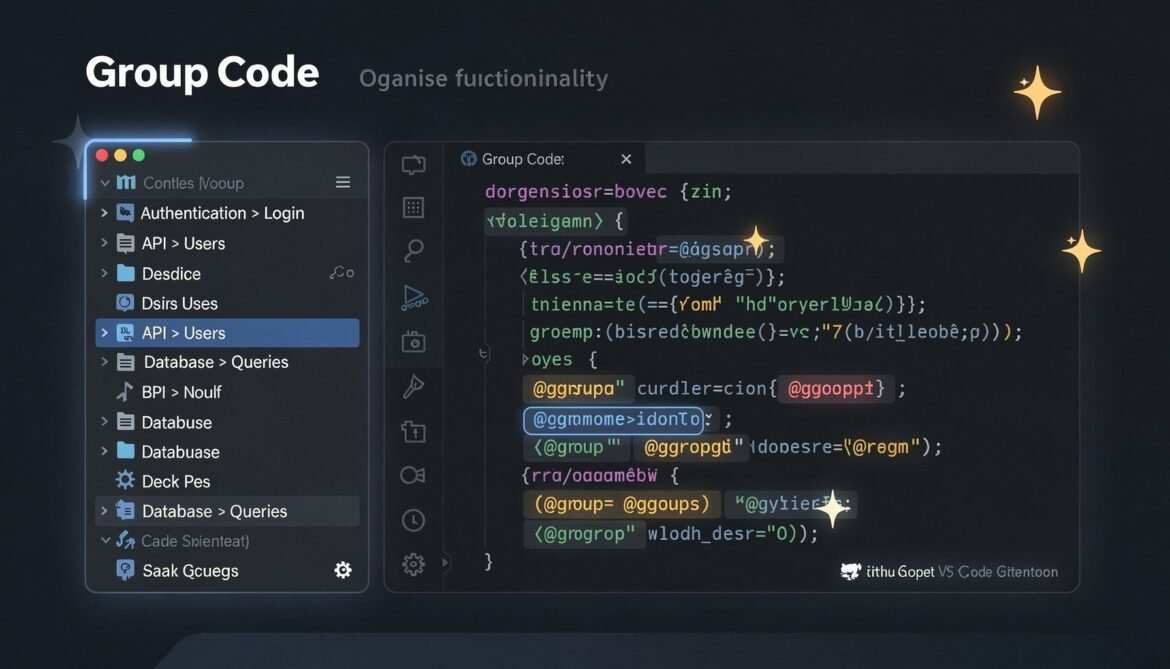
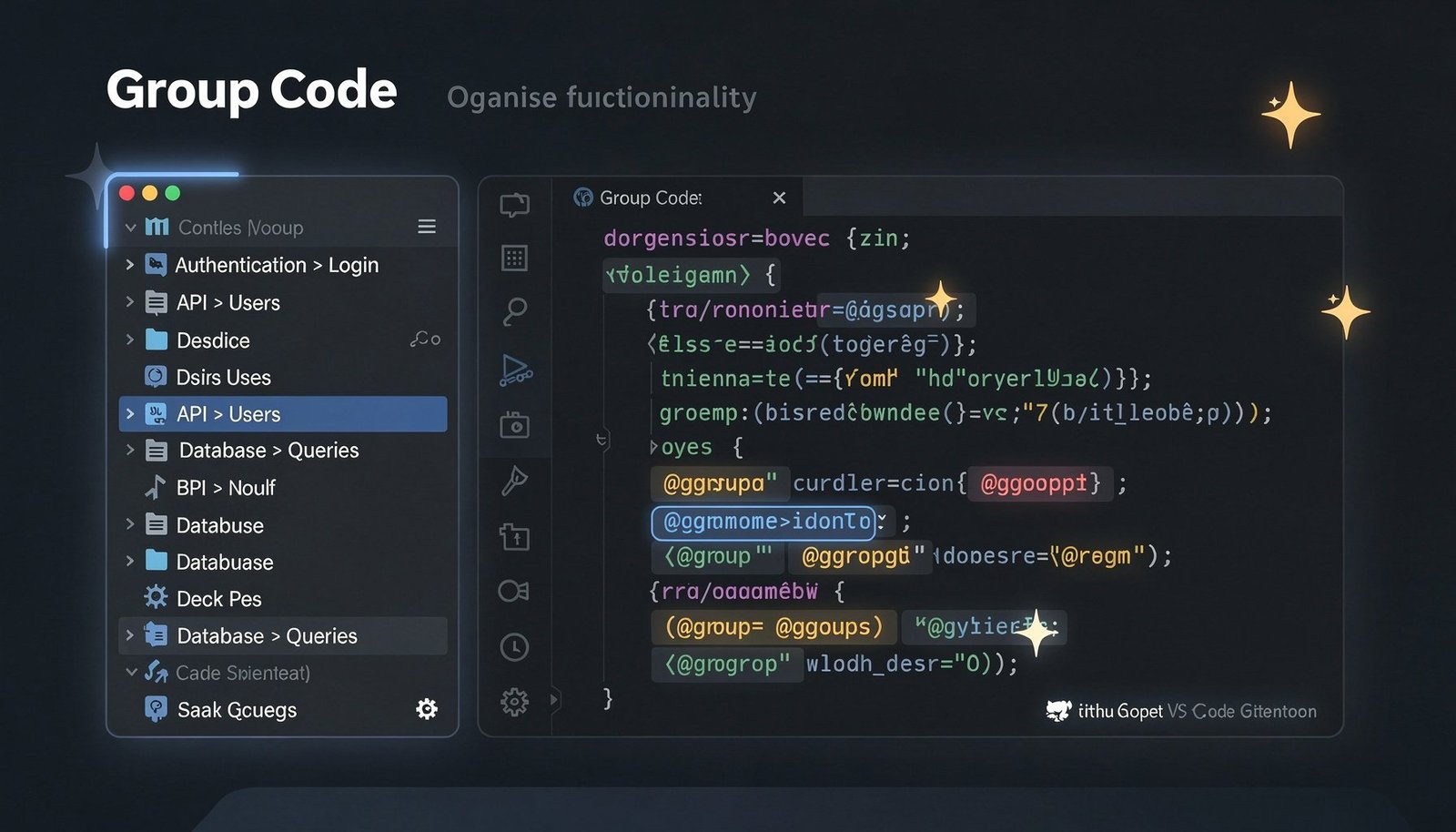
Group Code v1.8.0 dropped on March 23, 2026 — and it’s a solid step forward for one of the most practical VS Code extensions for navigating large codebases. This release brings rich hover cards, a comprehensive test suite, and a full CI/CD pipeline across three platforms. If you’ve been using @group comments to organize your code, this one makes the experience noticeably smoother.
What is Group Code?
Group Code is a VS Code extension that lets you organize your codebase by functionality rather than file structure. Instead of hunting through folders, you tag related code sections with special @group comments — across any file, any language — and the extension assembles them into a clean, navigable tree view right in your sidebar.
// @group Authentication > Login > Validation
function validateCredentials(username, password) {
  // your code here
}
One comment, and that function appears under Authentication → Login → Validation in the Group Code explorer. Click it, and you’re there instantly — no matter which file it lives in. It works across 40+ programming languages and supports hierarchical grouping with the > separator.
What’s New in v1.8.0
🃏 Hover Cards for @group Annotations
This is the headline feature. Hover over any @group comment in your code and you now get a rich card showing the full hierarchy breadcrumb, a description, usage statistics, a file listing, and sub-group discovery — all without leaving your current file. It’s a small interaction that saves a lot of mental context-switching on large projects.
✅ 193-Test Suite
v1.8.0 ships with 193 unit tests covering all core modules. The test layer fully mocks VS Code APIs, so tests run in any standard Node.js environment — no VS Code instance required. This makes the project significantly easier to contribute to and gives you confidence that the core logic is solid.
🚀 GitHub Actions CI/CD Pipeline
Automated testing now runs on Ubuntu, Windows, and macOS across Node 18 and 20 on every push. Test artifacts are uploaded on failure so debugging broken builds is straightforward. This brings Group Code in line with production-grade extension development practices.
⚡ Performance and Type Safety
Under the hood, this release adds workspace scan timeouts, debounced tree refresh, and pattern analysis caching to keep the extension responsive on large repos. Type safety was also tightened — any types removed, proper interfaces implemented throughout. Full backward compatibility is maintained.
Key Features at a Glance
| Feature | Details |
|---|---|
| @group comments | Tag any code section across any file or language |
| Hierarchical grouping | Use > to create nested groups (e.g. Auth > Login > Validation) |
| Tree view explorer | Navigate functional components from the sidebar |
| GitHub Copilot integration | Auto-generate @group comments with @groupcode generate |
| Hover cards | Rich context on hover — hierarchy, stats, file listing ✨ New in v1.8.0 |
| Rename groups | F2 shortcut to rename groups inline |
| Favorites system | Star any group for quick access |
| By File view | See groups organised by their source file |
| 40+ languages | Works with JavaScript, Python, Rust, Go, C#, PHP, and more |
| 193 unit tests | Full test coverage with CI across Ubuntu, Windows, macOS ✨ New in v1.8.0 |
Get Started in 30 Seconds
Install Group Code from the VS Code Marketplace or Open VSX Registry, then drop a single comment in your code:
// @group API > Users > Authentication
async function getUserById(id) {
  return await db.users.findOne({ id });
}
Open the Group Code panel in your sidebar and it appears. That’s it. For AI-powered auto-generation, open Copilot Chat and run @groupcode generate — it scans your workspace and suggests @group comments for you.
Get It
Group Code is free and open source. Star the repo, install the extension, or contribute on GitHub.