

























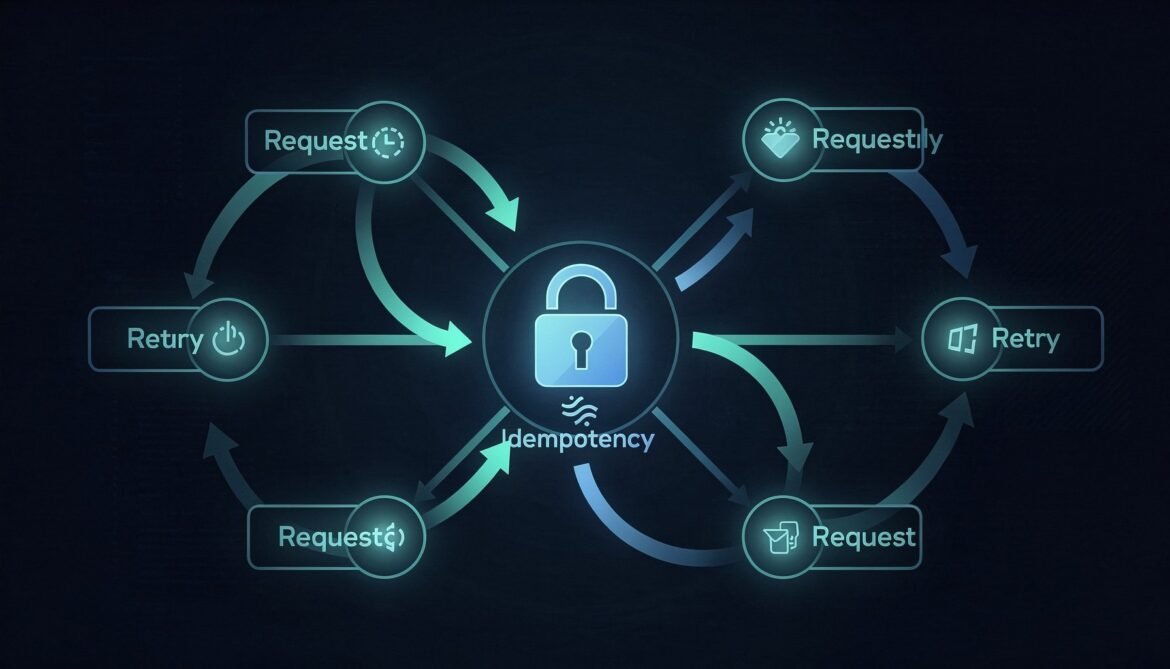
Idempotency in Distributed APIs — Part 1: What It Is and Why It Breaks Everything
What idempotency actually means, where it breaks in real distributed systems, and why your retry logic is probably making things worse right now.
Come and explore with me
 Idempotency in Distributed APIs — Part 1: What It Is and Why It Breaks Everything
 Async Rust with Tokio Part 10: Production Patterns – Backpressure, Rate Limiting, and Zero-Downtime Deployments
 Async Rust with Tokio Part 9: Observability and Debugging – tokio-console, tracing, and Diagnosing Async Issues
 Async Rust with Tokio Part 8: Common Pitfalls – Blocking, Locks, and CPU-Bound Work
 Async Rust with Tokio Part 7: Async Error Handling and Cancellation Safety
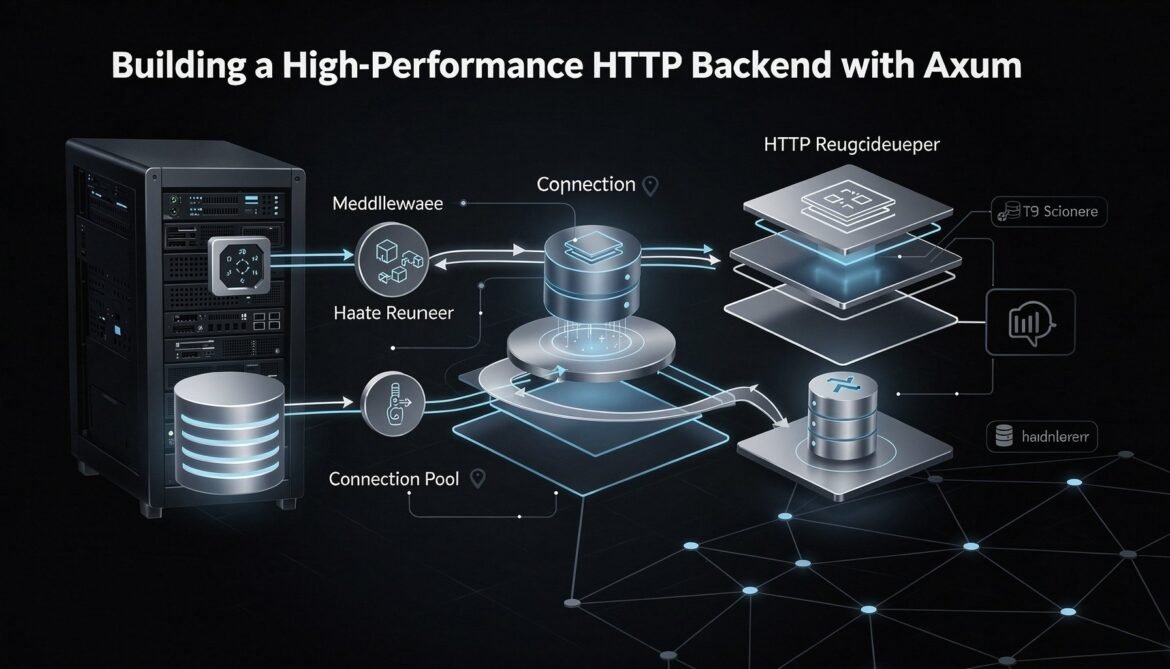
 Async Rust with Tokio Part 6: Building a High-Performance HTTP Backend with Axum
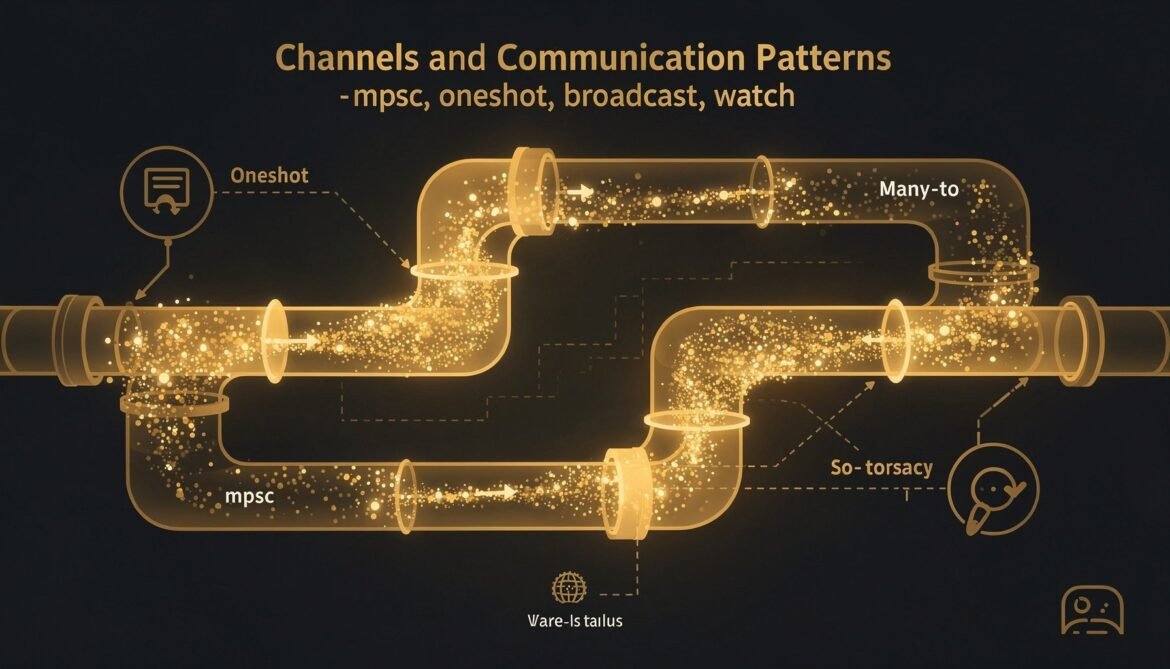
 Async Rust with Tokio Part 5: Channels and Communication Patterns – mpsc, oneshot, broadcast, watch
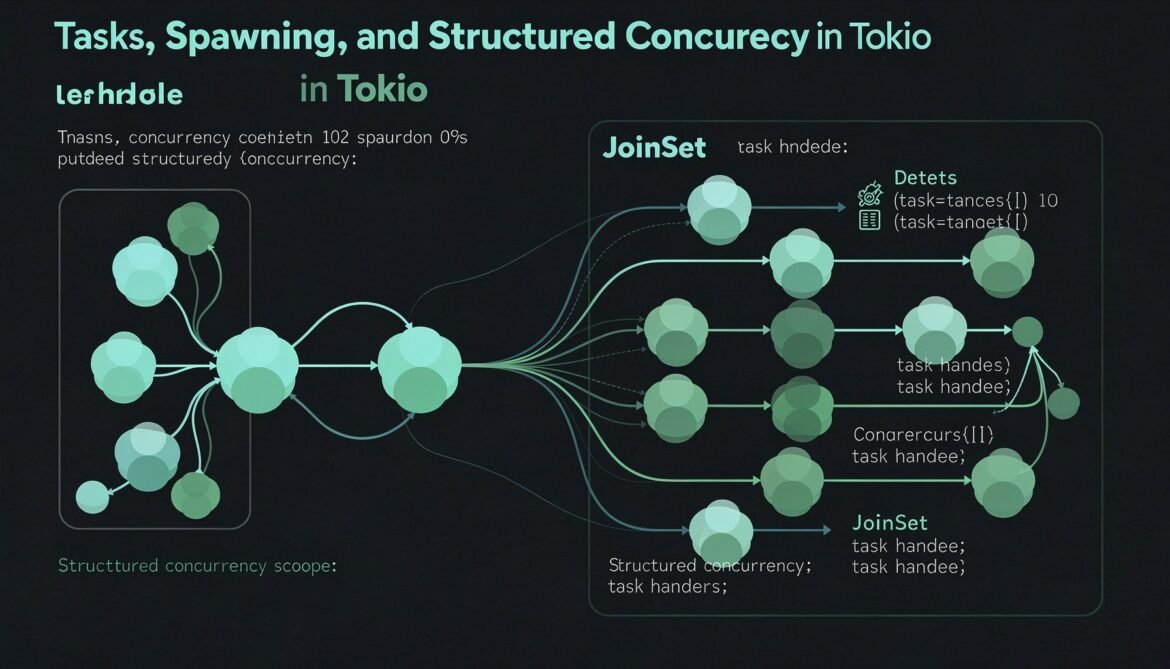
 Async Rust with Tokio Part 4: Tasks, Spawning, and Structured Concurrency
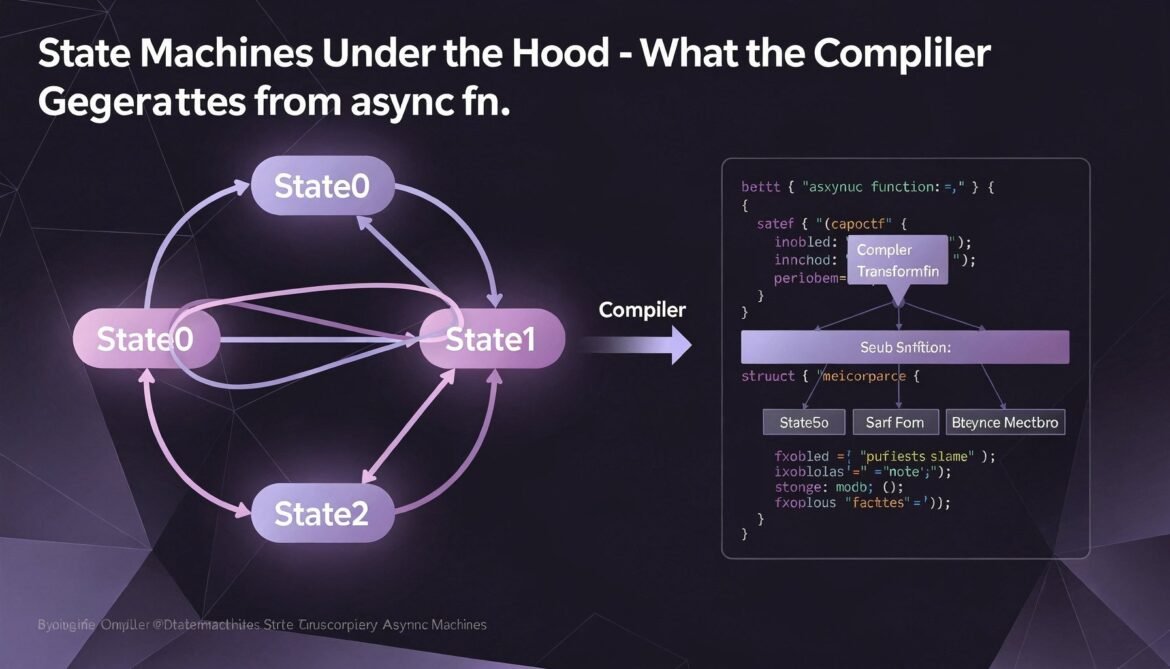
 Async Rust with Tokio Part 3: State Machines Under the Hood – What the Compiler Generates from async fn
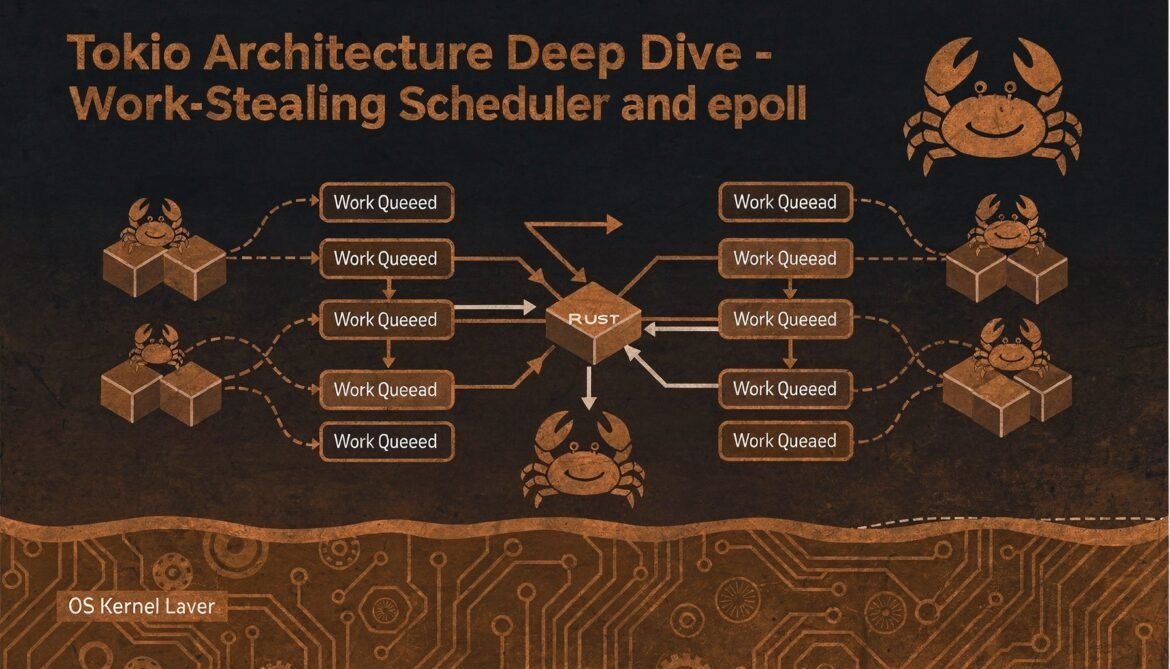
 Async Rust with Tokio Part 2: Tokio Architecture Deep Dive – Scheduler, epoll, and Thread Model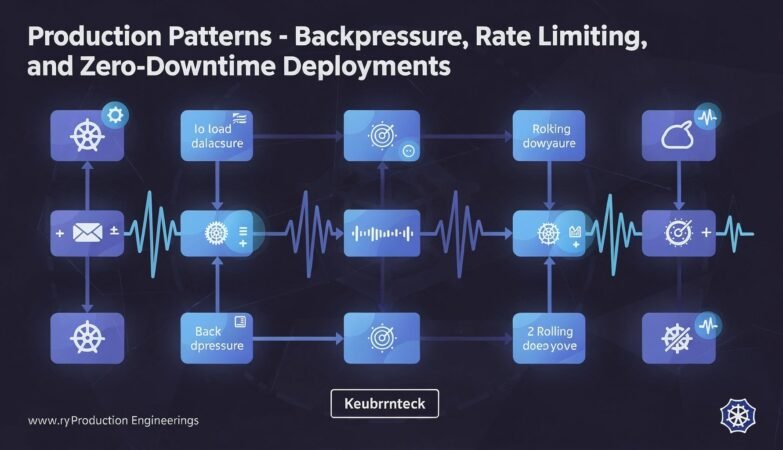





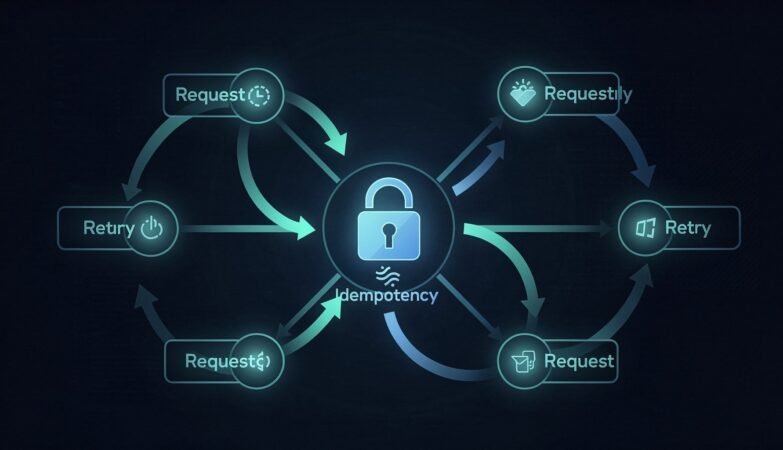
What idempotency actually means, where it breaks in real distributed systems, and why your retry logic is probably making things worse right now.
The final part of the Async Rust with Tokio series. Backpressure to prevent cascade failures, rate limiting, connection pool tuning, health checks for Kubernetes, and zero-downtime deployments. The operational patterns that determine whether a Tokio service survives production load.
Async services have failure modes you cannot see without the right instrumentation. This post covers tokio-console for live task inspection, the tracing ecosystem for structured observability, diagnosing runtime starvation, and measuring latency at the points that matter.
Most async Rust performance problems trace back to a handful of mistakes: blocking in async context, holding mutexes across await points, spawning without backpressure, and CPU work that starves the scheduler. This post covers each one and shows the correct pattern.
Async Rust has specific error handling and cancellation behaviors that differ from synchronous code. This post covers cancellation-safe futures, the select! macro in depth, what happens when futures are dropped mid-operation, and how to design async code that handles cancellation without corrupting state.
Building a production HTTP backend in Rust means more than wiring up routes. This post builds a complete Axum service with connection pooling, structured middleware, unified error handling, and graceful shutdown – patterns that hold up under real production load.
Tokio provides four channel types for inter-task communication: mpsc, oneshot, broadcast, and watch. Each solves a different problem. This post maps out when to use each one, shows the actor and pipeline patterns in practice, and covers the backpressure and lagging behavior that matters in production.
Tasks are the unit of concurrency in Tokio. This post covers spawning tasks, managing their lifetimes with JoinHandle and JoinSet, cancellation semantics, sharing state between tasks, and the common mistakes that cause memory leaks and unbounded resource consumption.
Every async function in Rust compiles into a state machine struct. This post shows exactly what the compiler generates, why some futures are large, why Pin is required, and how the zero-cost composition model works in practice.
Tokio is far more than an async runtime. This post goes inside the work-stealing scheduler, the epoll/kqueue/IOCP integration, the timer wheel, and the thread model that lets Tokio handle massive concurrency on a small number of threads.