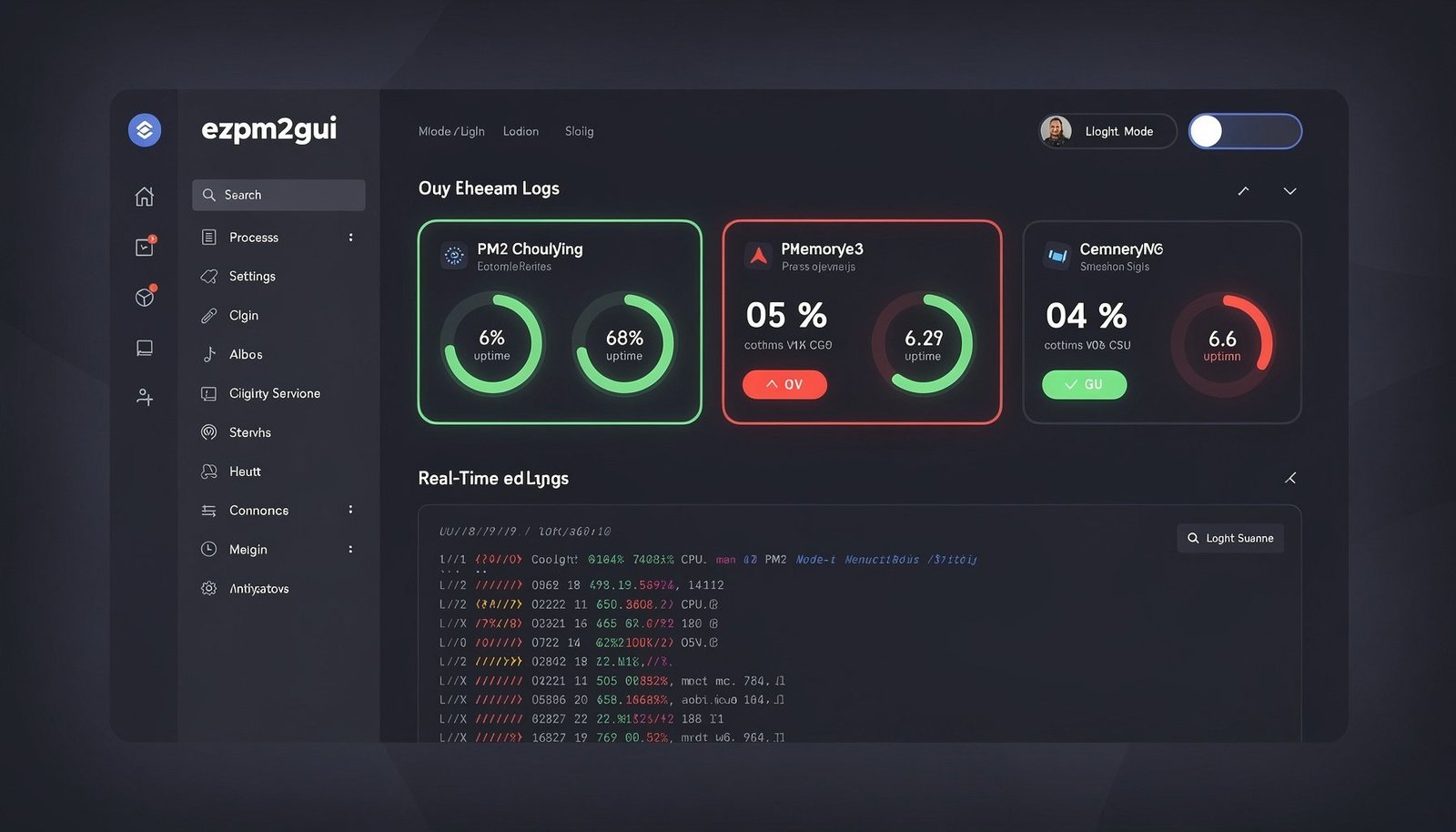
ezpm2gui v1.4.0 dropped today — April 4, 2026 — and it’s the biggest visual update the project has seen. This release migrates the entire UI from Material-UI inline styles to Tailwind CSS, brings proper dark and light mode support across every single page, and cleans up a lot of backend plumbing that had been accumulating since the early versions. If you’ve been using ezpm2gui to manage your Node.js processes, this one is worth the upgrade.
What is ezpm2gui?
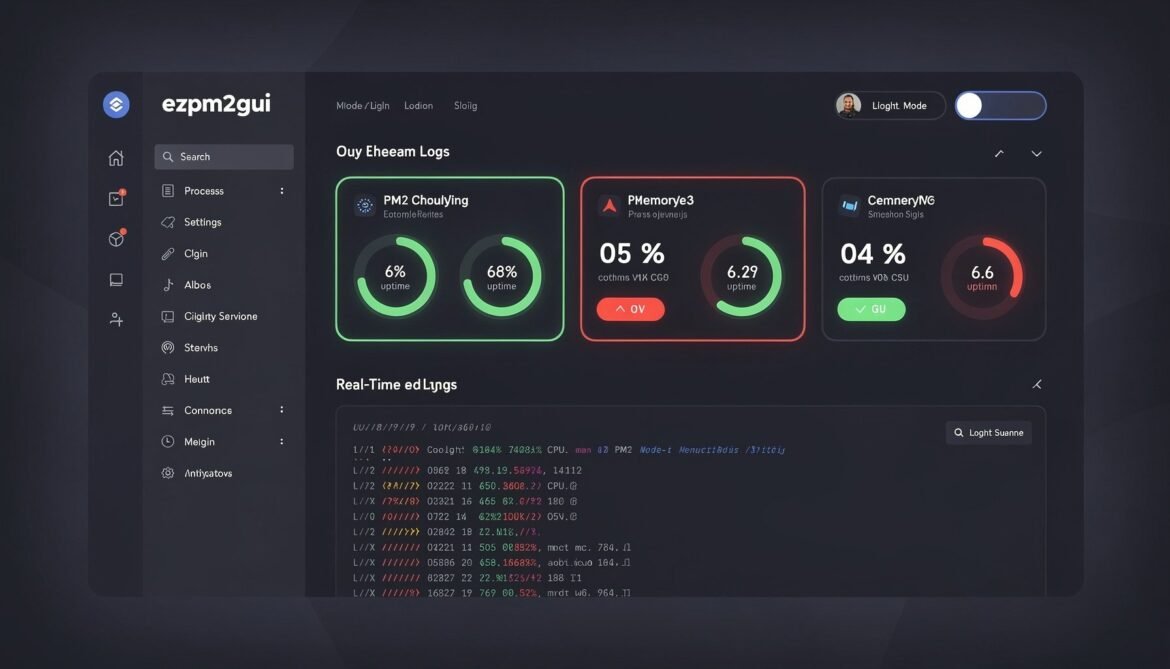
ezpm2gui is a free, open-source web-based GUI for PM2 — the production-grade Node.js process manager. Instead of managing processes through the terminal, ezpm2gui gives you a clean dashboard to start, stop, restart, and monitor all your PM2 processes in real time. CPU usage, memory consumption, uptime, log streaming, cluster management, ecosystem file generation — all in a browser, all running locally on your server.
Install it in seconds:
npm install -g ezpm2gui
ezpm2gui
Then open http://localhost:2999 and your PM2 dashboard is live.
What’s New in v1.4.0
🎨 Full Tailwind CSS Migration
The entire React frontend has been migrated from Material-UI inline styles to Tailwind CSS. This isn’t a partial migration — every component across every page has been updated. The result is a significantly cleaner codebase, faster styling iteration, and a UI that feels noticeably more polished and consistent throughout.
Tailwind also makes it much easier to contribute — no more digging through component-level style objects to figure out what’s rendering what.
🌙 Full Dark / Light Mode Support
Dark mode now works properly across every page in the app — not just the main dashboard. Whether you’re in the log viewer, the cluster management panel, the settings page, or the ecosystem generator, the mode preference is respected consistently. This was one of the most requested improvements and it’s done right in this release.
📦 New Reusable Components
Two new shared components were added in this release:
- LogStatusBar — a reusable status bar for log views, giving you consistent context about the log stream state without each log page reinventing the wheel.
- PageHeader — a reusable page header component that standardises titles, breadcrumbs, and actions across all pages.
Both components reduce duplication and make adding new pages much faster going forward.
🔄 Components Revamped
Nearly every major component in the app was touched in this release. Here’s the full list:
| Area | Components Updated |
|---|---|
| Core | App.tsx routing, SidebarMenu |
| Dashboard | MainDashboard, ProcessList, ProcessDetailPage |
| Monitoring | MonitDashboard, AdvancedMonitoringDashboard, SystemMetrics, MetricsChart |
| Logs | LogStreamEnhanced, LogChatTaskbar |
| Remote | RemoteConnections, RemoteEnhancedLogManagement |
| Configuration | Settings, ModuleManagement, EcosystemGenerator |
| Deployment | DeployApplication, ClusterManagement, CronJobsPage |
| Guides | LoadBalancingGuide |
⚙️ Backend Refactoring
The backend received meaningful refactoring too — not just cosmetic changes. Server utilities for encryption, PM2 connection handling, and remote connections were all cleaned up. Server routes and the entry point were updated for improved request handling. The outcome is a more maintainable server layer that’s easier to extend.
Full Feature Set
If you’re new to ezpm2gui, here’s what you get out of the box:
- Real-time process monitoring — CPU, memory, uptime, status
- One-click start, stop, restart, and delete for any PM2 process
- Live log streaming in the browser
- Cluster management with instance scaling
- Ecosystem config file generator
- Module management — install, update, remove PM2 modules
- Deploy new Node.js apps via a form interface
- Cron job management
- Remote server connections
- Load balancing guide
- Full dark and light mode (now consistent across all pages in v1.4.0)
- WebSocket-powered live updates — no polling, no manual refresh
Get the Update
If you’re already running ezpm2gui, update now:
npm install -g ezpm2gui@latestFresh install:
npm install -g ezpm2gui
ezpm2guiSpotted an issue or have a feature request? Open an issue on GitHub — contributions are always welcome.