If you’ve embraced vibe coding — building features at the pace of thought, letting GitHub Copilot fill in the blanks, shipping things before you’ve fully planned them — you already know the tax that comes with it. The codebase grows fast. Files multiply. One week in, you’re asking Copilot to find that authentication helper you wrote “somewhere” three days ago. Two weeks in, you’ve forgotten what half the files even do.
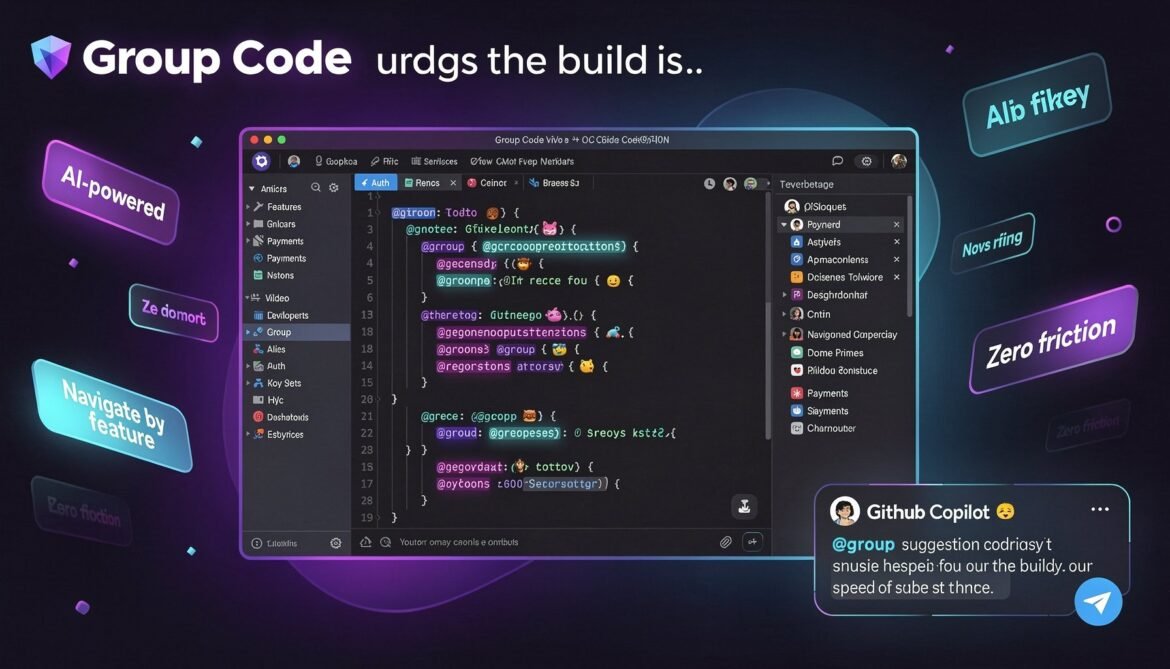
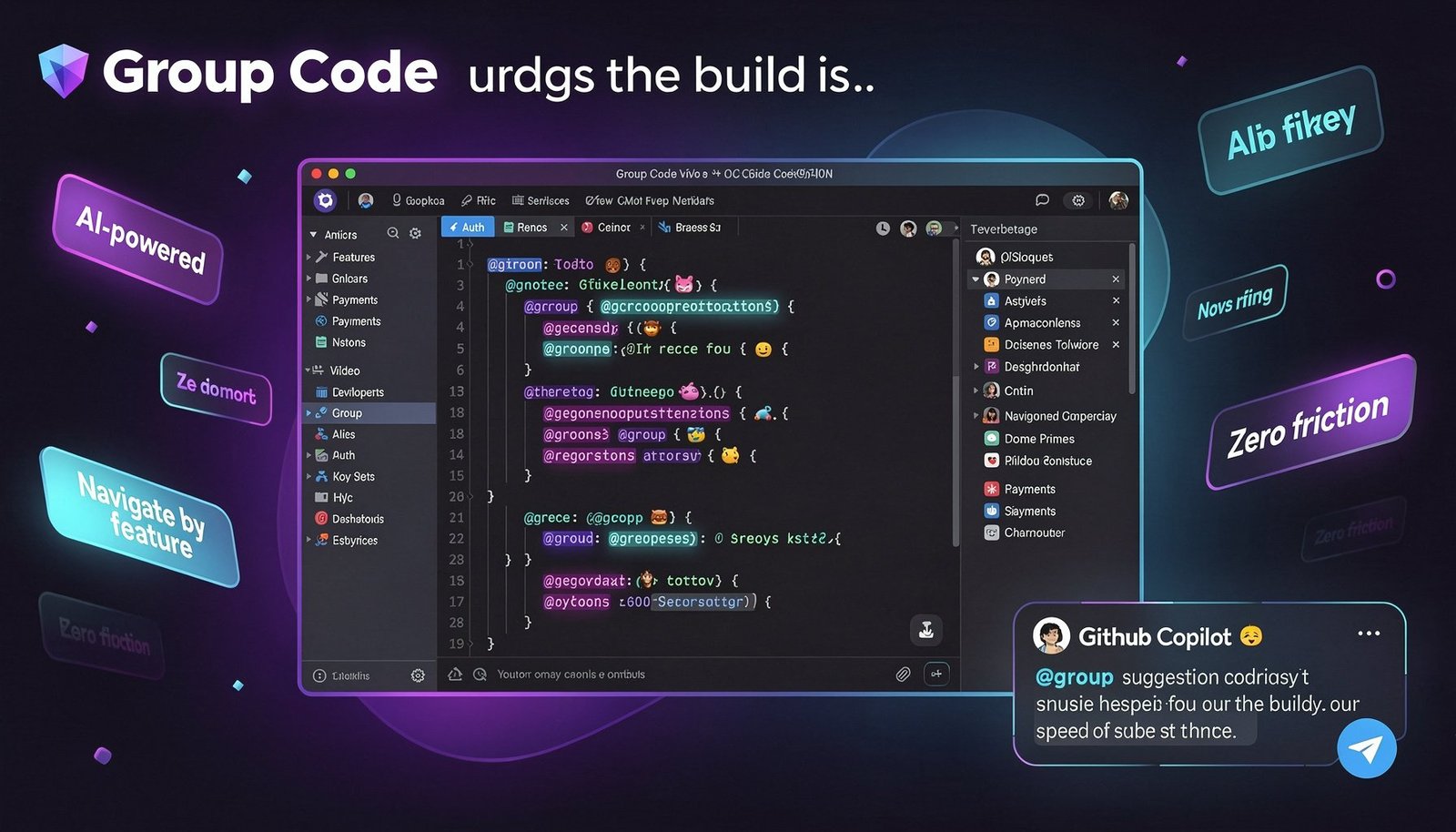
Group Code was built for exactly this. It’s a free, open-source VS Code extension that lets you organize your codebase by what your code does, not where it lives — using a single comment tag.
The Problem with Vibe Coding at Scale
Vibe coding is a superpower. You describe intent, AI fills structure, and features happen fast. But the mental overhead of navigation doesn’t go away — it gets worse. Because the code you produce is often spread across many files, generated quickly, and structured around how AI writes rather than how humans remember.
Traditional folder structures don’t help. src/utils/auth/helpers/tokenManager.js tells you where the file is, not what it does in the context of your app’s login flow. When you’re moving fast, you need to think in features, not file paths.
“Show me everything related to how users log in.” That’s a human thought. Most codebases have no way to answer it directly.
Group Code answers it.
How Group Code Works
The concept is simple enough to explain in one line: you add a special @group comment near any piece of code, and Group Code assembles all tagged sections into a navigable tree view in your sidebar — regardless of which file or language they’re in.
// @group Authentication > Login > Token Validation
function validateJWT(token) {
  // ...
}

// @group Payments > Stripe > Webhook Handler
async function handleStripeWebhook(event) {
  // ...
}

# @group Dashboard > Analytics > Page Views
def get_page_view_metrics(date_range):
    # ...
The > separator creates hierarchy. So @group Authentication > Login > Token Validation nests under Login, which nests under Authentication, which appears in your Group Code panel alongside everything else tagged Authentication — from any file, in any language.
Click any entry in the panel and you jump straight to that code. No searching, no scrolling, no asking Copilot “where did I put that?”
Why This Clicks for Vibe Coders Specifically
1. You Can Let Copilot Tag Your Code Automatically
The part that makes Group Code feel native to a vibe coding workflow: you don’t have to tag anything manually if you don’t want to. Open GitHub Copilot Chat, type @groupcode generate, and it scans your entire workspace and suggests @group comments based on what your code actually does. One command, and your codebase gets a functional map.
You can also use @groupcode scan to refresh the view after adding new code, and @groupcode search to find groups by keyword. The chat participant understands your project structure in context — it’s not just grepping for function names.
2. It Works Across Every Language You Vibe In
Vibe coding rarely stays in one language. A weekend project might have a Python backend, a TypeScript frontend, a Rust CLI tool, and a Go microservice. Group Code supports 40+ languages — the @group comment works in any language’s comment syntax. Your functional view spans the whole stack.
3. Zero Friction to Start
There’s no config file to write, no schema to define, no project setup required. Install the extension, drop your first @group comment, and the panel populates instantly. The barrier to adopting it mid-project — even on a codebase you didn’t start — is essentially zero.
4. It Doesn’t Fight Your Git History
Preferences and panel state are stored in user profile storage, not in the project directory. So your expansion states, favorites, and settings don’t create noisy diffs or merge conflicts when you’re collaborating.
5. Hover Cards Keep You in Flow
Added in v1.8.0: hover over any @group comment and you get an instant rich card showing the full hierarchy, a description, usage stats, and which files the group spans — without leaving your current position in the editor. When you’re in flow state, not having to break context matters.
A Real Vibe Coder’s Workflow with Group Code
Here’s what it actually looks like in practice. You’re building a SaaS product over a weekend. By day two you have 40+ files across frontend and backend. Instead of a sprawling, unlabelled mess, your Group Code panel looks like this:
📁 Authentication
  └── Login
       ├── Token Validation
       └── Session Management
  └── OAuth
       └── Google Callback

📁 Payments
  └── Stripe
       ├── Checkout Session
       └── Webhook Handler

📁 Dashboard
  └── Analytics
       ├── Page Views
       └── Conversion Funnel
  └── Settings
       └── User Preferences

📁 API
  └── Users
  └── Products
  └── Billing
Every one of those entries links directly to the relevant code — across Python, TypeScript, SQL, whatever you used. You navigate your project like a product, not a filesystem.
Features Worth Knowing About
| Feature | What it does for you |
|---|---|
| @group comments | Tag any code across any file in 40+ languages |
| Hierarchical grouping | Nest with > — up to any depth |
| Copilot auto-generation | @groupcode generate tags your codebase for you |
| Hover cards | Full context without breaking flow |
| F2 rename | Rename a group across all references instantly |
| Favorites | Star the groups you jump to most often |
| By File view | See which groups live in which file |
| Advanced filter | Search groups by keyword from the panel |
| Status bar | Quick-access group switcher from the bottom bar |
| Profile storage | Your settings never pollute git history |
Get It Now
Group Code is free, open source, and installs in seconds. If you’re vibe coding and want to stop losing time to navigation debt, this is the extension to add next.
Already using it? Drop a comment below — especially if you’ve got a workflow tip for how you’re combining it with Copilot. Would love to hear how vibe coders are using it in the wild.