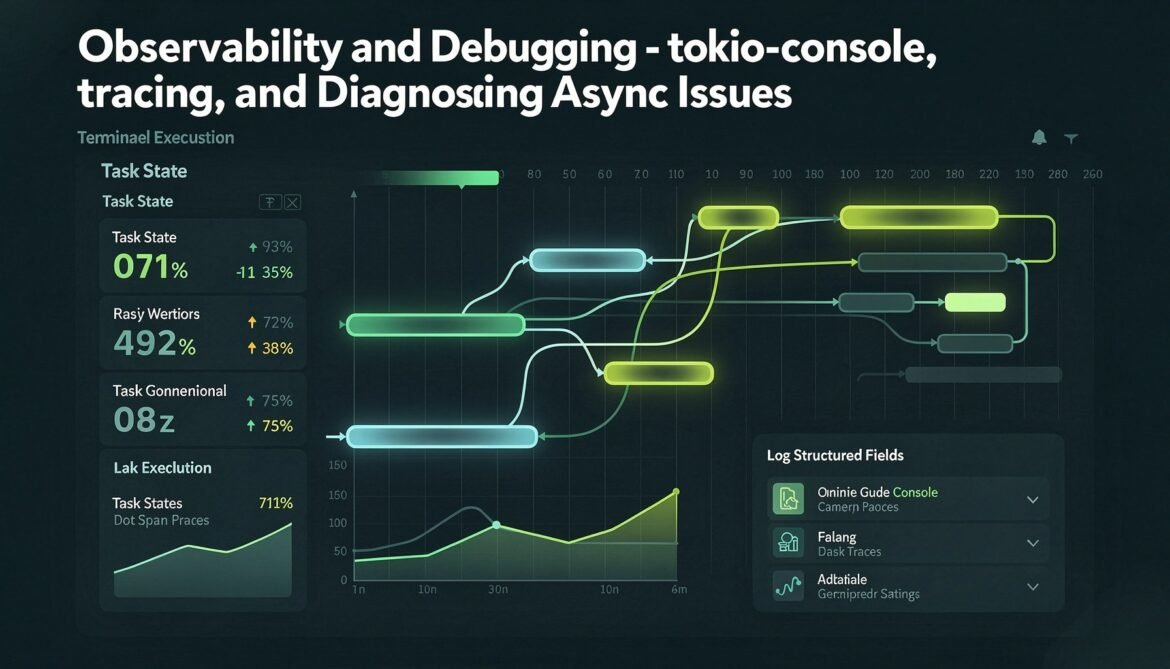
Async services have failure modes that synchronous services do not. A task that takes 200ms instead of 2ms does not produce an error – it silently adds latency. Runtime starvation does not throw exceptions – requests just slow down. You cannot debug these problems without the right instrumentation. This post covers tokio-console for live task inspection, the tracing ecosystem for structured logs and spans, and how to diagnose the most common async performance problems.
The tracing Crate
The tracing crate is the standard structured logging and instrumentation library for Rust services. Unlike log, tracing is async-aware and supports spans – regions of code with associated metadata that can represent async tasks, HTTP requests, or database queries.
use tracing::{info, warn, error, debug, instrument, Span};
use tracing_subscriber::{fmt, EnvFilter, layer::SubscriberExt, util::SubscriberInitExt};

fn init_tracing() {
    tracing_subscriber::registry()
        .with(EnvFilter::from_default_env())
        .with(fmt::layer()
            .with_target(true)
            .with_thread_ids(true)
            .with_file(true)
            .with_line_number(true)
            .json() // structured JSON output for log aggregators
        )
        .init();
}

// #[instrument] creates a span automatically for the function
// All log events inside inherit the span's context
#[instrument(
    name = "process_request",
    skip(db),           // don't log the db pool
    fields(
        user_id = %user_id,   // log user_id in the span
        http.method = "POST"
    )
)]
async fn handle_request(db: &PgPool, user_id: Uuid, body: String) -> Result {
    debug!("Processing request");

    let result = fetch_user(db, user_id)
        .instrument(tracing::info_span!("fetch_user"))
        .await?;

    // Add fields to the current span dynamically
    Span::current().record("db.rows", 1);

    info!(
        user_email = %result.email,
        "Request processed successfully"
    );

    Ok(result.name)
}
Adding Tracing to Axum
use tower_http::trace::{TraceLayer, DefaultMakeSpan, DefaultOnResponse};
use tracing::Level;

pub fn build_router(state: AppState) -> Router {
    Router::new()
        .route("/api/v1/users", get(list_users).post(create_user))
        .with_state(state)
        .layer(
            TraceLayer::new_for_http()
                .make_span_with(
                    DefaultMakeSpan::new()
                        .level(Level::INFO)
                        .include_headers(false)
                )
                .on_response(
                    DefaultOnResponse::new()
                        .level(Level::INFO)
                        .latency_unit(tower_http::LatencyUnit::Millis)
                )
        )
}

// Each request automatically gets a span:
// INFO request{method=POST uri=/api/v1/users}: tower_http::trace: started processing request
// INFO request{method=POST uri=/api/v1/users}: tower_http::trace: finished processing request latency=12ms status=201
tokio-console: Live Task Inspection
tokio-console is a terminal UI that connects to a running Tokio application and shows live information about every task: its state (running, idle, scheduled), how long it has been alive, how many times it has been polled, and whether it is taking too long per poll.
# Cargo.toml additions for tokio-console support
[dependencies]
console-subscriber = "0.3"
tokio = { version = "1", features = ["full", "tracing"] }

# RUSTFLAGS required for tokio-console to work
# Set in .cargo/config.toml:
[build]
rustflags = ["--cfg", "tokio_unstable"]
fn main() {
// Replace tracing_subscriber::init() with console_subscriber
// when running with tokio-console support
console_subscriber::init();
let rt = tokio::runtime::Builder::new_multi_thread()
.enable_all()
.build()
.unwrap();
rt.block_on(async {
// Your application code
});
}
// Then in a separate terminal:
// cargo install tokio-console
// tokio-console
// Connect to localhost:6669 by defaulttokio-console shows you tasks that are “stuck” – either blocking a thread or holding a waker without making progress. The “slow polls” column is particularly useful: any poll that takes more than 10 microseconds is flagged, indicating a blocking operation in the async context.
Diagnosing Runtime Starvation
flowchart TD
    A[High latency observed] --> B{Check tokio-console}
    B --> C[Slow polls visible?]
    C -->|Yes| D[Blocking call in async context\nFix: use spawn_blocking]
    C -->|No| E[Many tasks queued?]
    E -->|Yes| F[Worker threads saturated\nFix: increase worker_threads or\nreduce task count]
    E -->|No| G[Tasks mostly idle?]
    G -->|Yes| H[External dependency slow\nFix: add timeouts, check db pool]
    G -->|No| I[Check waker registration\nFix: confirm futures wake correctly]
Measuring Latency With Metrics
use std::time::Instant;

// Manual timing instrumentation
#[instrument(skip(db))]
async fn measured_handler(db: &PgPool, id: Uuid) -> Result {
    let db_start = Instant::now();
    let user = fetch_user(db, id).await?;
    let db_duration = db_start.elapsed();

    tracing::info!(
        db_latency_ms = db_duration.as_millis(),
        "Database query completed"
    );

    if db_duration.as_millis() > 100 {
        tracing::warn!(
            db_latency_ms = db_duration.as_millis(),
            "Slow database query detected"
        );
    }

    Ok(user)
}

// Using metrics-rs for Prometheus-compatible metrics
use metrics::{counter, histogram, gauge};

async fn instrumented_endpoint(State(state): State) -> impl IntoResponse {
    counter!("http_requests_total", "endpoint" => "users").increment(1);

    let start = Instant::now();
    let result = fetch_users(&state.db).await;
    let duration = start.elapsed().as_secs_f64();

    histogram!("http_request_duration_seconds", "endpoint" => "users").record(duration);

    match result {
        Ok(users) => {
            counter!("http_responses_total", "status" => "200").increment(1);
            Json(users).into_response()
        }
        Err(e) => {
            counter!("http_responses_total", "status" => "500").increment(1);
            (StatusCode::INTERNAL_SERVER_ERROR, e.to_string()).into_response()
        }
    }
}
Diagnosing Specific Problems
High Tail Latency (p99 much higher than p50)
This typically means occasional blocking in the async context. Check tokio-console for slow polls. Add histogram metrics to identify which operations have high variance. Common culprits: DNS resolution, connection establishment, first-time database query on a cold pool.
Gradual Latency Increase Under Load
This is usually connection pool exhaustion. The pool runs out of connections, new requests queue waiting for one, latency climbs. Add pool metrics: connections active, connections idle, queue length. Fix by increasing pool size or adding timeouts that fail fast instead of queuing.
Tasks That Never Complete
// Add timeouts to ALL external calls
use tokio::time::timeout;

async fn safe_external_call() -> Result {
    timeout(
        std::time::Duration::from_secs(10),
        external_service_call()
    )
    .await
    .map_err(|_| anyhow::anyhow!("external call timed out"))?
    .map_err(|e| anyhow::anyhow!("external call failed: {}", e))
}

// Watch for tasks that show as "scheduled" but never run in tokio-console
// This indicates waker is never called - the future waits forever
// Common cause: forgot to register waker, or external event never fires
Structured Logging Best Practices
// GOOD: structured fields, searchable in log aggregators
tracing::info!(
    user_id = %user.id,
    duration_ms = elapsed.as_millis(),
    bytes_written = n,
    "Request completed"
);

// BAD: interpolated string - not searchable
tracing::info!("Request completed for user {} in {}ms, wrote {} bytes",
    user.id, elapsed.as_millis(), n);

// Use error! with the error chain for debugging
tracing::error!(
    error = %err,
    error.debug = ?err,
    user_id = %user_id,
    "Failed to process payment"
);

// Set RUST_LOG to control verbosity per module:
// RUST_LOG=warn,myapp=debug,myapp::handlers=trace cargo run
What Comes Next
The final part – Part 10 – brings it all together with production deployment patterns: backpressure, rate limiting, connection limits, health checks, and zero-downtime deployments. These are the patterns that keep a Tokio service stable under sustained production load.
References
- Tokio Documentation – “Tracing” (https://tokio.rs/tokio/topics/tracing)
- tracing crate documentation (https://docs.rs/tracing/latest/tracing/)
- tokio-console GitHub Repository (https://github.com/tokio-rs/console)
- console-subscriber documentation (https://docs.rs/console-subscriber/latest/console_subscriber/)
- tower-http TraceLayer documentation (https://docs.rs/tower-http/latest/tower_http/trace/index.html)