
Master production observability with OpenTelemetry and Azure Monitor. Learn intelligent sampling strategies, actionable alerting patterns, performance optimization, cost management, operational dashboards, and incident response integration for enterprise-scale applications.
Category: OpenTelemetry

Azure Monitor with OpenTelemetry Part 6: Custom Metrics and Advanced Telemetry
Implement custom business metrics with OpenTelemetry counters, histograms, and gauges in .NET, Node.js, and Python. Learn instrument selection, cardinality optimization, Azure Monitor querying with KQL, and building actionable dashboards for production observability.

Azure Monitor with OpenTelemetry Part 5: Distributed Tracing Across Microservices
Master distributed tracing across microservices with OpenTelemetry and Azure Monitor. Learn W3C TraceContext propagation, automatic and manual context injection, cross-service correlation in .NET, Node.js, and Python, and troubleshooting broken traces in production environments.

Azure Monitor with OpenTelemetry Part 4: Python Applications with OpenTelemetry and Azure Monitor
Instrument Python Flask and FastAPI applications with Azure Monitor OpenTelemetry Distro for comprehensive observability. Learn automatic instrumentation, custom spans with tracers, custom metrics, logging integration, database tracking, and production configuration patterns.
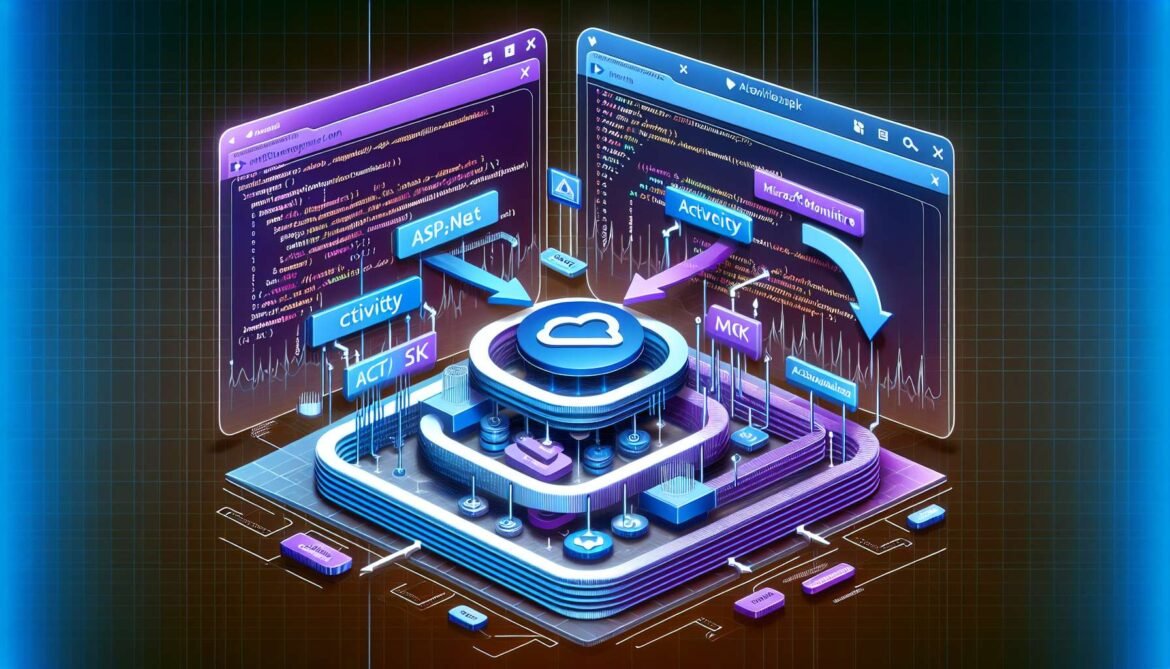
Azure Monitor with OpenTelemetry Part 2: Setting Up OpenTelemetry in .NET Applications
.NET developers can instrument ASP.NET Core applications with OpenTelemetry and Azure Monitor in minutes. Learn automatic instrumentation, custom spans with Activity and ActivitySource, custom metrics implementation, and production configuration patterns for comprehensive observability.
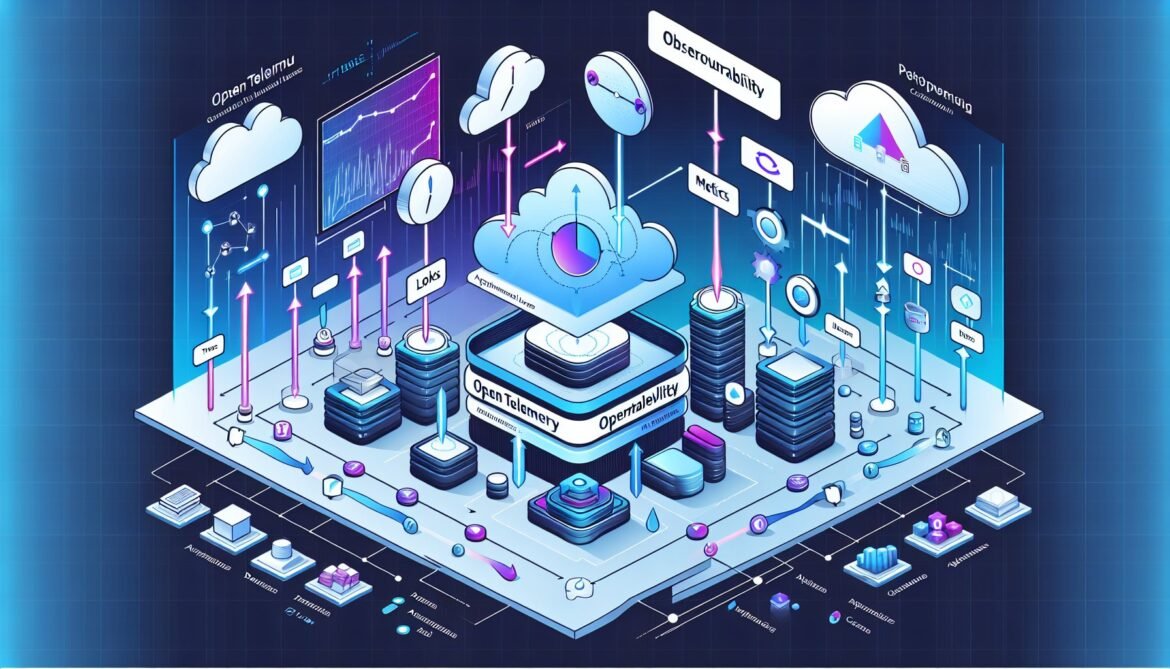
Azure Monitor with OpenTelemetry Part 1: Understanding OpenTelemetry and Azure Monitor Integration
Understand the fundamentals of OpenTelemetry and why Azure Monitor adopted this vendor-neutral observability framework. Learn about the three pillars of observability, OpenTelemetry architecture, Azure Monitor Distro, and key differences from legacy Application Insights SDKs.



