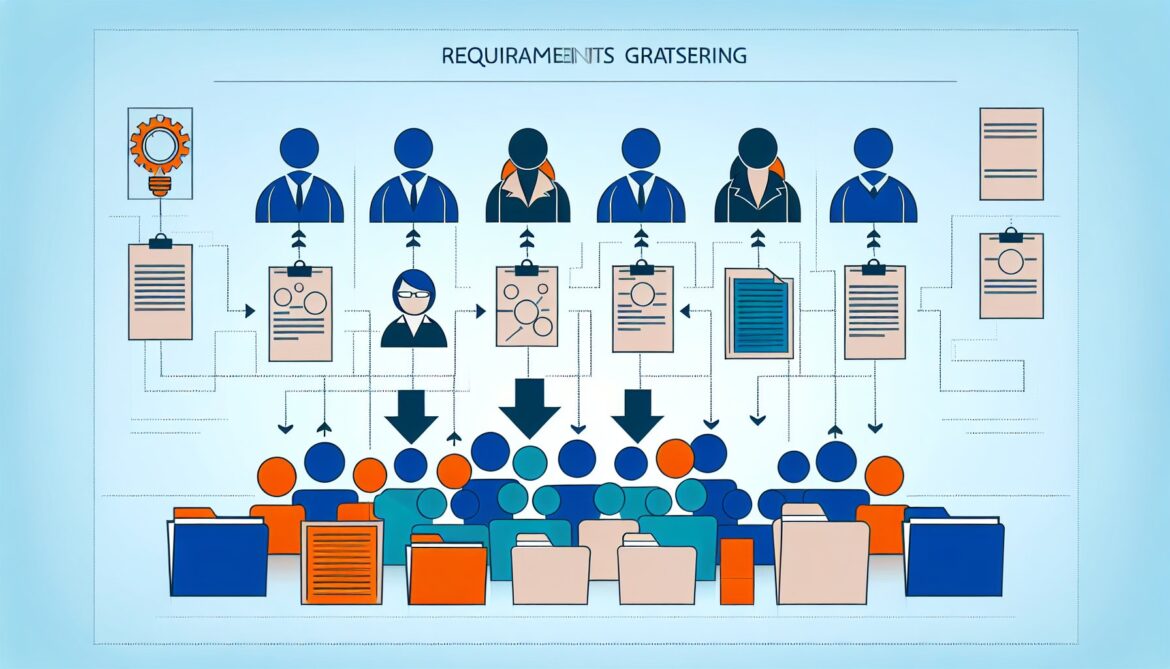
Users rarely know what they actually need, and even when they do, they struggle to communicate it effectively. This guide explores the art and science of gathering requirements that lead to software users actually love.
Category: Software Engineering
War Stories: When Systems Fight Back
Real-world case studies reveal what actually works and what fails when systems face exponential growth. This final post examines war stories from successful scaling efforts and catastrophic failures, extracting lessons you can apply to avoid common pitfalls.

Scaling Patterns That Actually Work
When your system faces exponential growth, theoretical scalability meets brutal reality. This third post explores the scaling patterns that actually work under pressure—from smart caching strategies to async processing and data partitioning.

Building for Evolution: Making Systems Change-Ready
Building systems that can evolve without breaking requires careful API design, smart data strategies, and processes built for change. This second post explores the patterns that make systems truly evolution-ready.

Foundations of Scalable System Design
Every developer faces the challenge of building systems that work today but can grow tomorrow. This is the first post in a 4-part series exploring the fundamental principles and practical patterns for designing systems that scale and evolve gracefully.

Azure OpenAI Service: Integration Patterns and Best Practices for Enterprise Applications
Learn proven integration patterns and best practices for implementing Azure OpenAI Service in enterprise applications. Covers security, performance optimization, cost management, and common pitfalls to avoid.

Clean Code: Writing Software That Humans Can Read
Learn the principles of clean code and how to write software that’s not just functional, but readable, maintainable, and understandable. Discover practical tips, real-world examples, and the business case for investing in code quality.
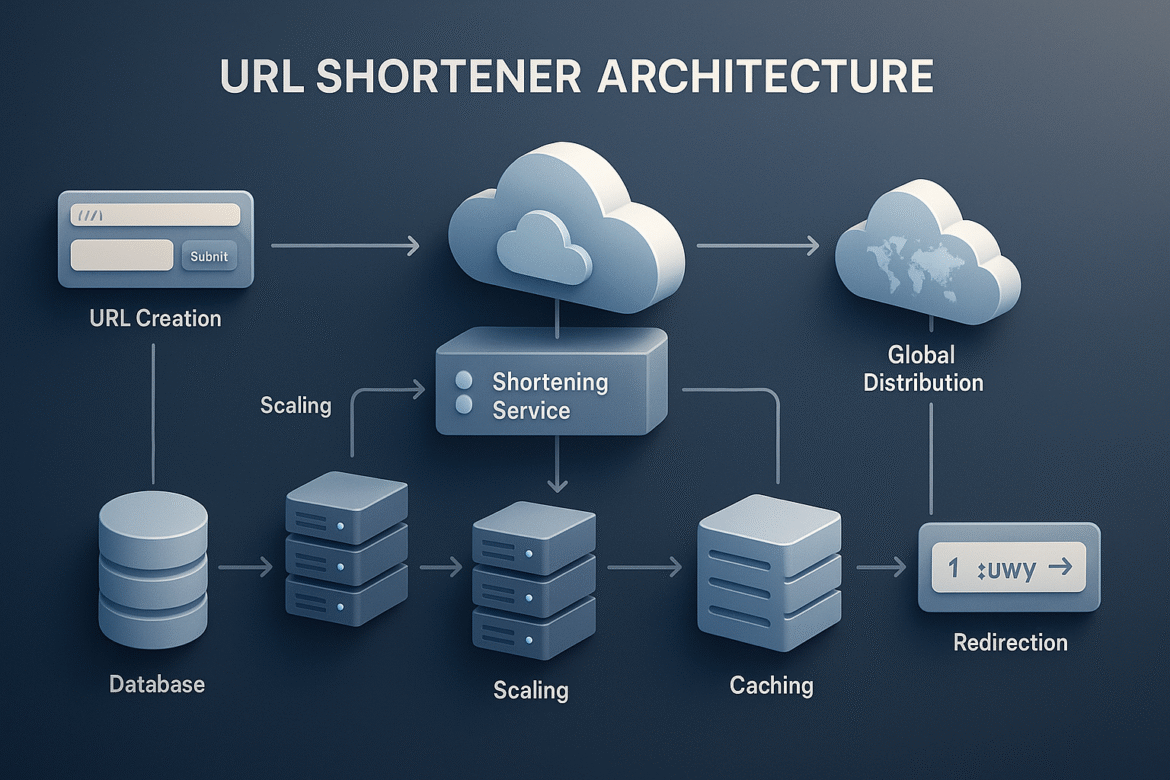
Deployment, DevOps, and Continuous Integration: Delivering Excellence at Scale
Part 8 completes our comprehensive series by exploring deployment pipelines and DevOps practices that enable safe, frequent releases to systems serving millions of users. We dive deep into Azure DevOps, advanced deployment strategies, feature flags, and building delivery systems that transform deployment from a risky event into a routine operation.
Monitoring, Observability, and Operational Excellence: Building Systems That Tell Their Own Story
Part 7 explores building comprehensive observability that transforms complex systems from black boxes into transparent, self-diagnosing platforms. We dive deep into Azure Monitor, intelligent alerting systems, distributed tracing, and operational excellence practices that enable proactive system management at scale.
Performance Optimization and Cost Management: Engineering Excellence at Sustainable Economics
Part 6 explores the critical balance between system performance and operational costs. We dive deep into intelligent cost optimization, performance engineering at scale, and building systems that automatically optimize for both speed and efficiency while serving millions of users.



