
A full written version of the Azure CLI + GitHub Copilot in VS Code session delivered at Global Azure Bootcamp 2026. Covers the .azcli file trick, Copilot Chat for Azure commands, Bicep generation, GitHub Actions workflows, error debugging, and honest limitations — with all demo commands included.
Tag: azure
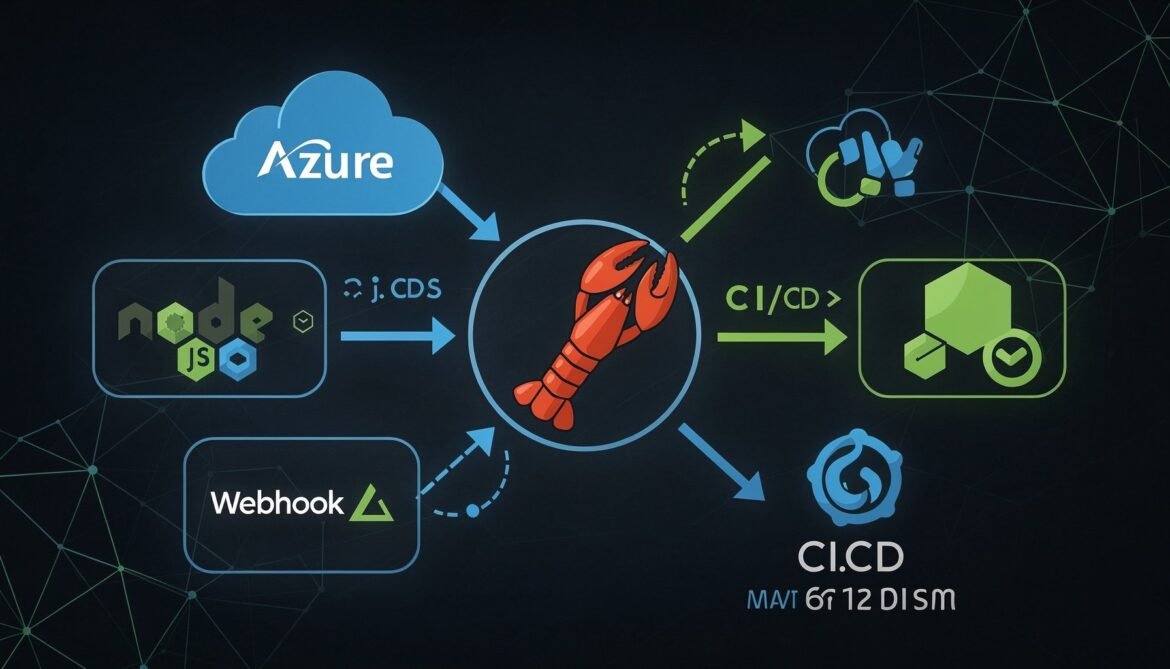
OpenClaw Complete Guide Part 8: Integrating OpenClaw with Your Development Stack
The final post in the OpenClaw series. Learn how to integrate OpenClaw directly into your Node.js and Azure development stack, wire it into CI/CD pipelines, build custom webhook integrations, and package your agent configuration for team deployment.

Production Deployment of Azure AI Foundry Agents: Hosting, Scaling, and Operations (Part 6 of 8)
Moving agentic AI systems from development environments to production requires careful attention to hosting infrastructure, scaling strategies, monitoring implementation, and operational practices. This article provides

Understanding Model Context Protocol: The Universal Standard for AI Integration
The artificial intelligence landscape has transformed dramatically over the past year, with large language models becoming increasingly sophisticated in their reasoning capabilities. However, even the

Core Capabilities & How It Works: Technical Deep Dive into Copilot Agent
Dive deep into how GitHub Copilot’s autonomous agent actually works. Explore the technical mechanics of code review automation, test generation, bug fixing, and specification implementation with practical workflows.

GitHub Copilot’s Coding Agent: From Pair Programmer to Autonomous Teammate
Discover how GitHub Copilot has evolved from a simple pair programmer into a fully autonomous coding agent. Explore the shift in developer roles and why this transformation matters for modern software teams.

Azure AI Foundry in 2025: Building Your First AI Agent – Part 4 (Final)
Deploy your Azure AI agent to production with Docker, Container Apps, CI/CD, and monitoring.

Infrastructure as Code with ARM Templates and Bicep: Part 5 – Advanced Bicep Patterns
This part explores advanced Bicep capabilities that enable enterprise-scale Infrastructure as Code. We’ll cover module registries, advanced patterns, testing strategies, and governance practices. What You’ll
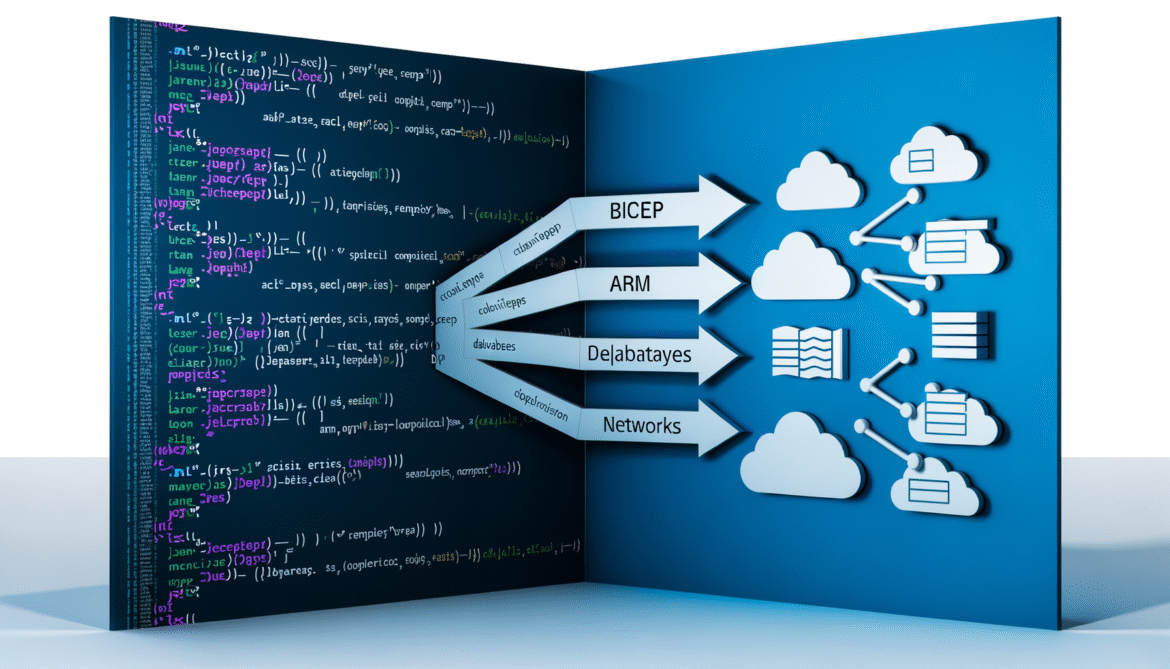
Infrastructure as Code with ARM Templates and Bicep: Part 4 – Introduction to Bicep
Azure Bicep is a domain-specific language (DSL) that provides a more concise and readable syntax for deploying Azure resources. Bicep compiles to ARM templates, so
Infrastructure as Code with ARM Templates and Bicep: Part 3 – Advanced ARM Template Patterns
As your infrastructure grows in complexity, you’ll need advanced ARM template patterns to maintain modularity, handle conditional deployments, and efficiently create multiple similar resources. This



