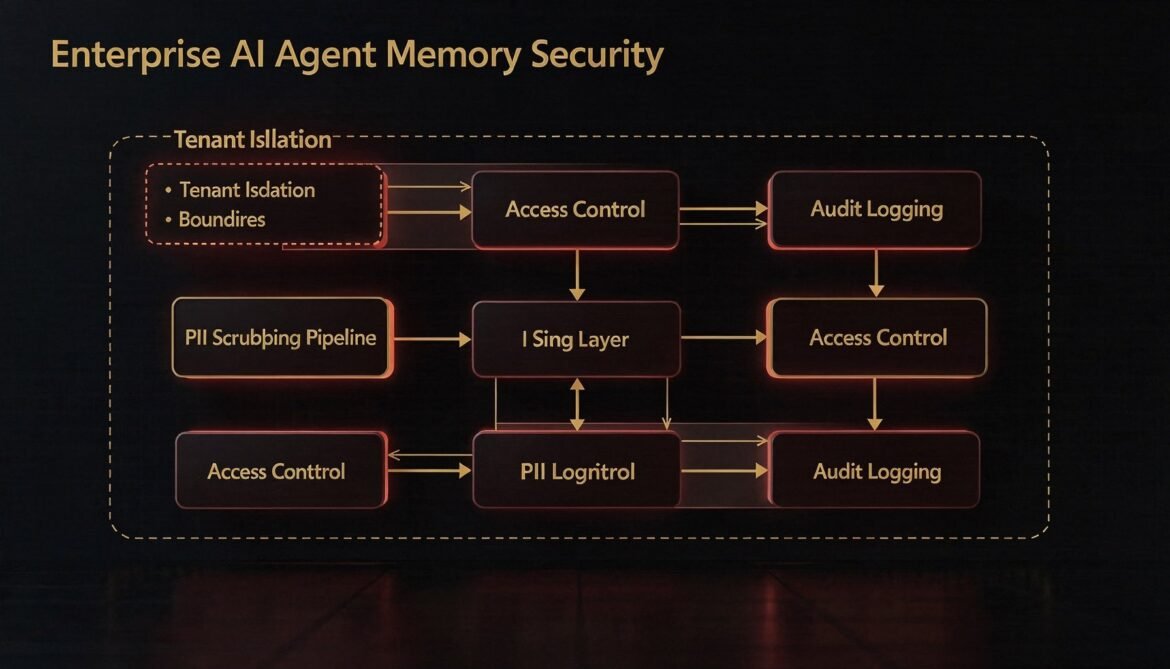
Agent memory stores are high-value, high-risk assets in enterprise environments. This part builds the security layer: row-level tenant isolation, PII scrubbing before writes, role-based access control for shared scopes, and tamper-evident audit logging in Node.js.
Tag: node.js
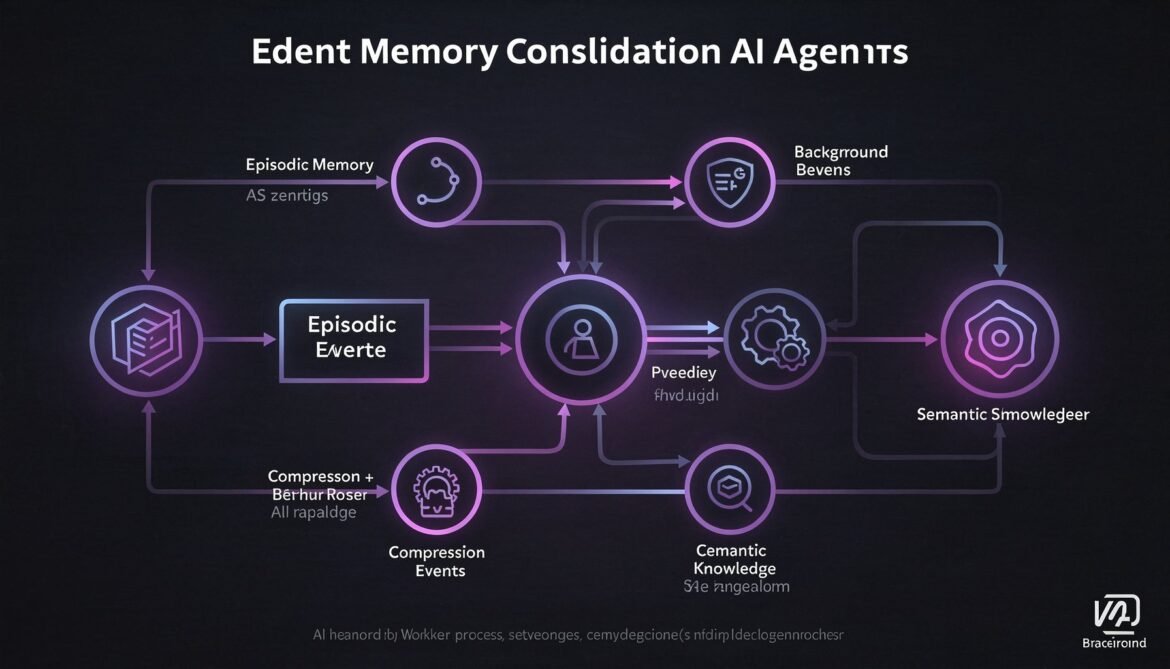
AI Agents with Memory Part 5: Memory Consolidation – Summarising and Compressing Long-Term History with Node.js Background Workers
Episodic memory grows indefinitely. Without consolidation, retrieval degrades and storage costs climb. This part builds a Node.js background worker that compresses episodic memory into semantic knowledge on a rolling schedule, keeping your agent sharp without ballooning your database.
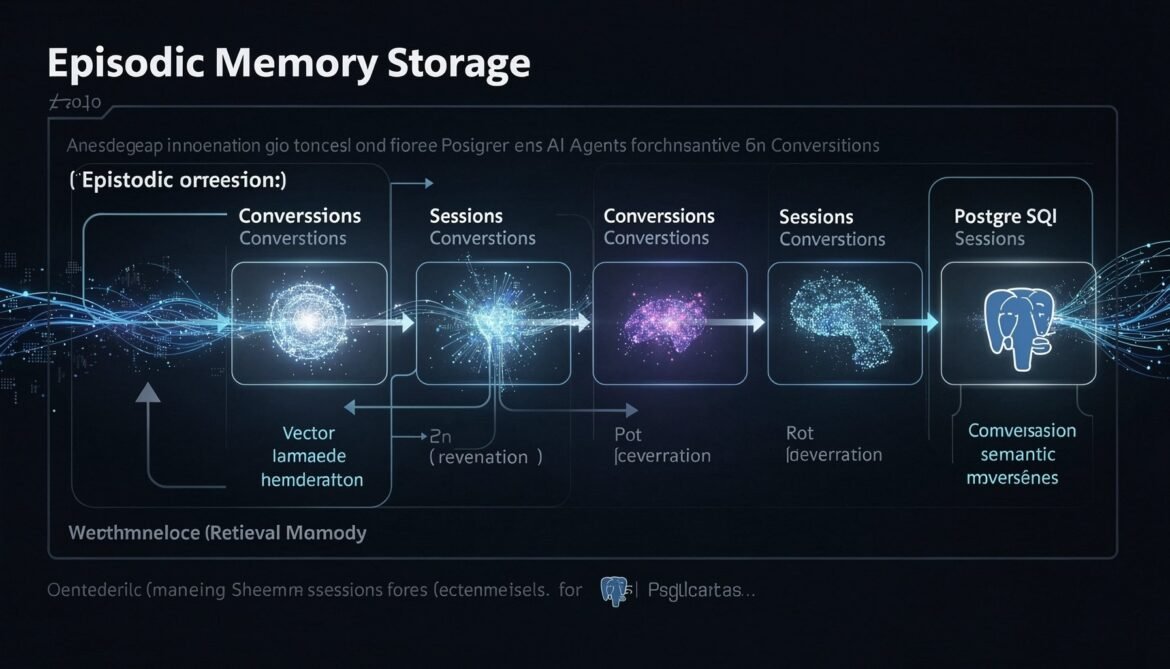
AI Agents with Memory Part 2: Episodic Memory – Storing and Retrieving Conversation History at Scale with PostgreSQL, pgvector, and Node.js
Episodic memory is what lets an agent remember what happened in past sessions. This part builds a complete production episodic memory system using PostgreSQL with pgvector, implementing hybrid time-based and semantic retrieval in Node.js so your agent never starts from zero again.
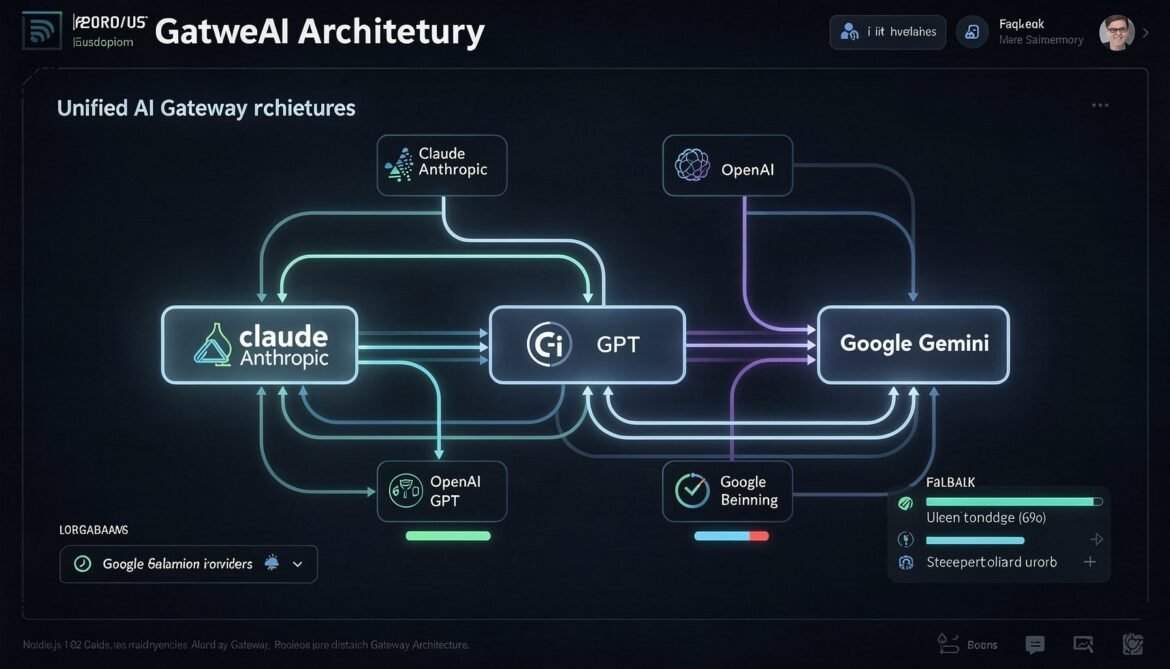
Multi-Provider AI Gateway in Node.js: Unified Caching, Routing, and Fallback for Claude Sonnet 4.6, GPT-5.4, and Gemini 3.1 Pro
A unified AI gateway abstracts over provider-specific caching implementations, routing logic, and fallback handling. This part builds a production-ready Node.js gateway that handles Claude Sonnet 4.6, GPT-5.4, and Gemini 3.1 Pro transparently, with cross-provider cost tracking and cache hit monitoring.

Semantic Caching with Redis 8.6: Vector Similarity Matching for LLM Cost Optimization in Production
Semantic caching operates above the model layer, using vector embeddings to match similar queries to previously computed responses. With Redis 8.6, you can achieve 80 percent or higher cache hit rates without calling the LLM at all. This part covers the full architecture, similarity thresholds, cache invalidation, and production implementations in both Node.js and Python.
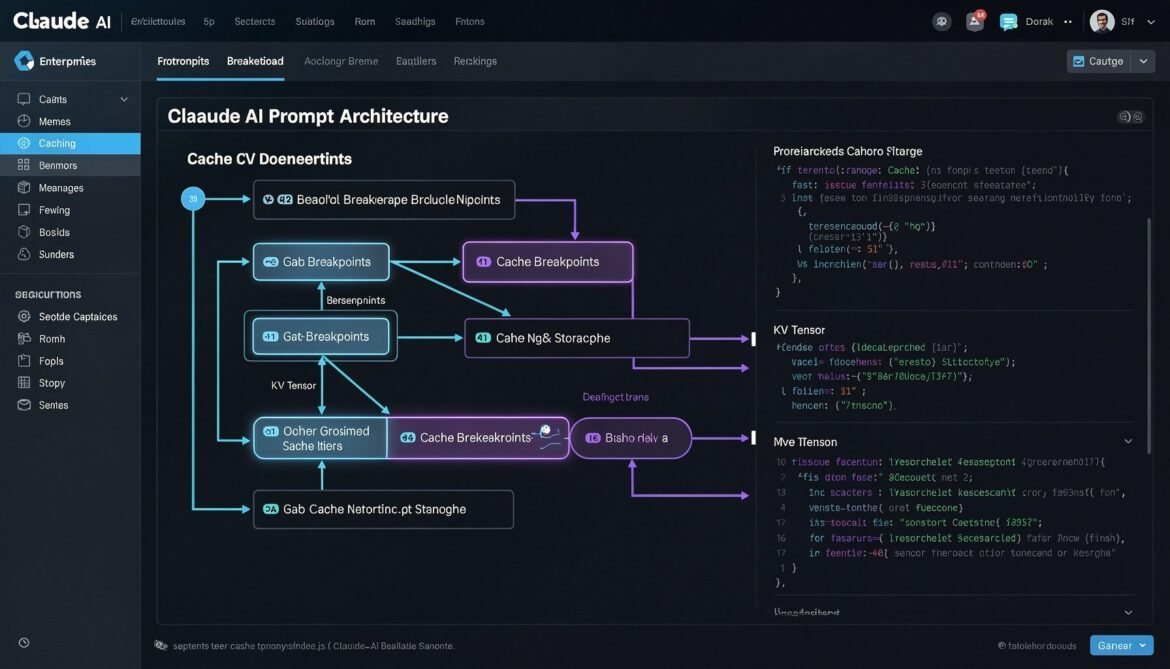
Prompt Caching with Claude Sonnet 4.6: cache_control Breakpoints, TTL Strategies, and Node.js Production Implementation
Claude Sonnet 4.6 gives developers explicit control over prompt caching through cache_control breakpoints. This part covers how to structure your prompts, configure TTL, use multi-breakpoint strategies, and implement a production-ready caching layer in Node.js.
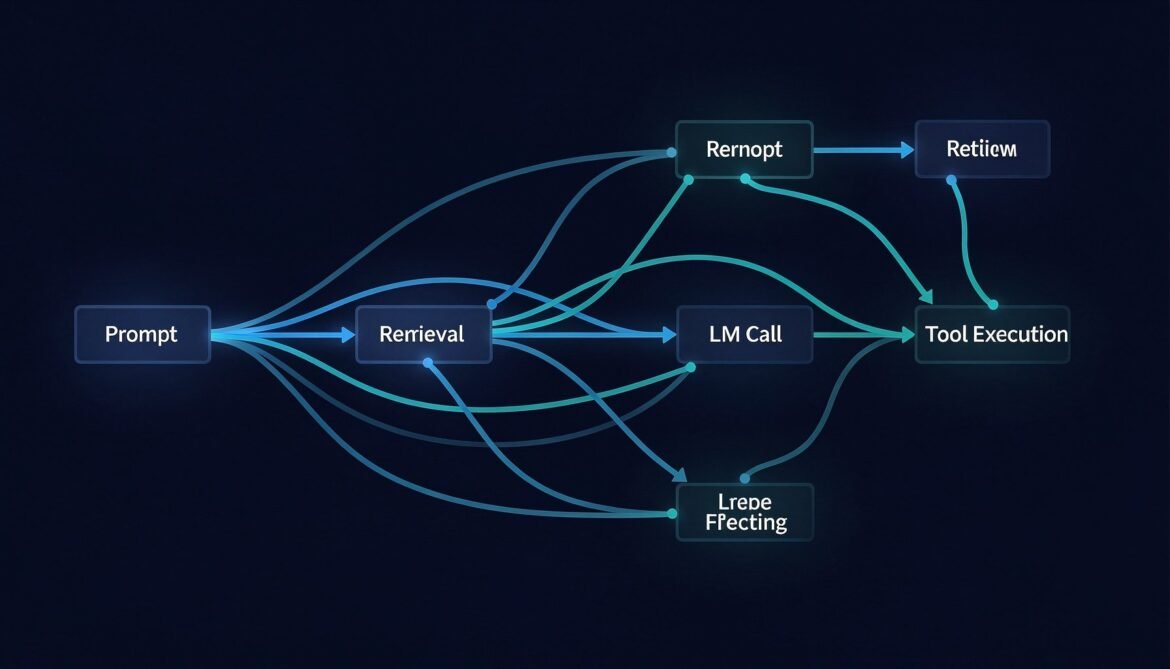
Distributed Tracing for LLM Applications with OpenTelemetry
You cannot fix what you cannot see. This post walks through instrumenting a full LLM pipeline with OpenTelemetry in Node.js, Python, and C# — capturing every span from user request through retrieval, model call, tool execution, and response.
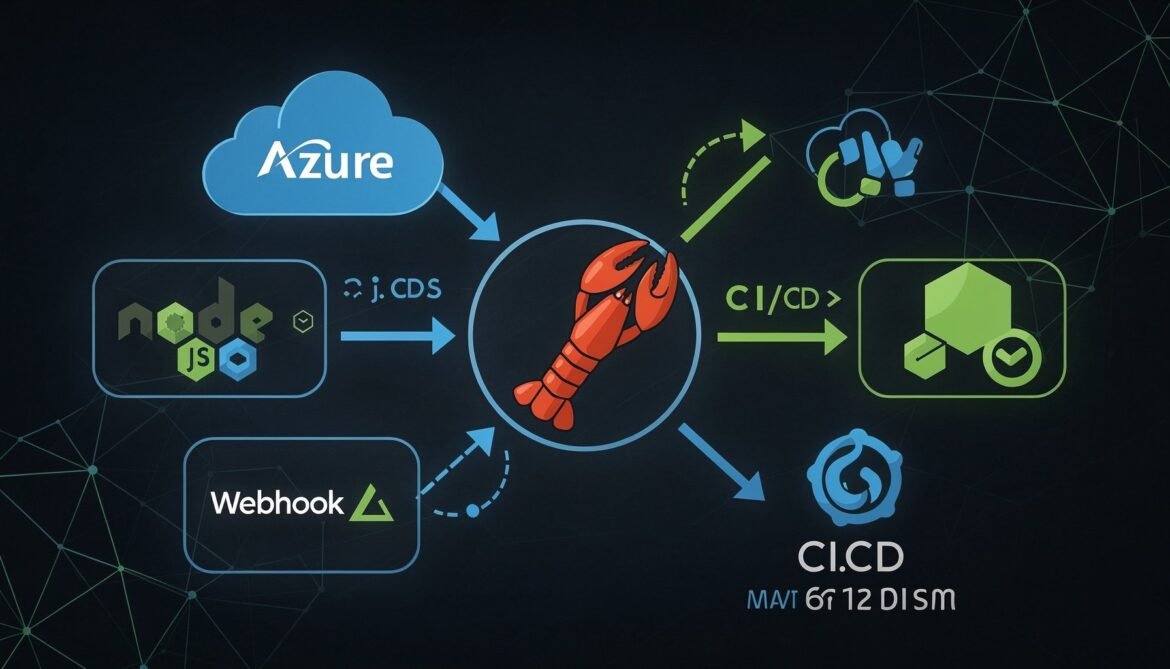
OpenClaw Complete Guide Part 8: Integrating OpenClaw with Your Development Stack
The final post in the OpenClaw series. Learn how to integrate OpenClaw directly into your Node.js and Azure development stack, wire it into CI/CD pipelines, build custom webhook integrations, and package your agent configuration for team deployment.
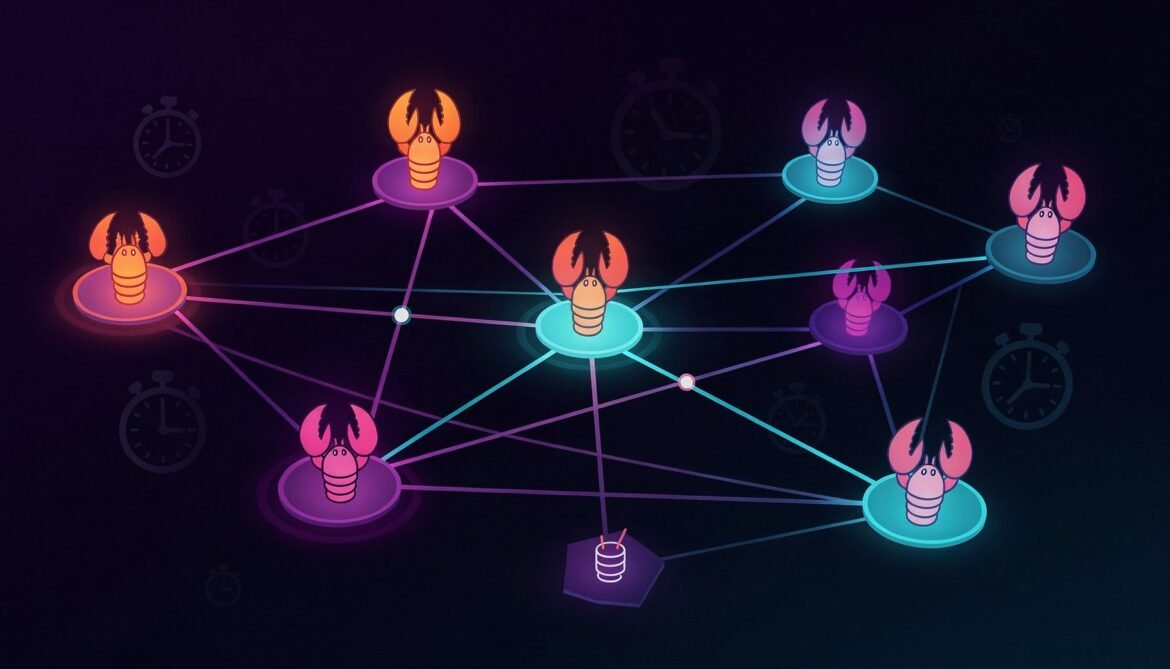
OpenClaw Complete Guide Part 7: Multi-Agent Workflows and Automation
Learn how to build multi-agent workflows in OpenClaw: running specialized agents in parallel, coordinating tasks between them, scheduling automation with cron jobs, and orchestrating complex pipelines. Part 7 of the complete OpenClaw developer series.

OpenClaw Complete Guide Part 5: Deploying OpenClaw on a VPS
A complete guide to deploying OpenClaw on a Linux VPS, configuring it as a systemd service, securing it with a Cloudflare tunnel, and keeping it running reliably 24/7. Part 5 of the complete OpenClaw developer series.



