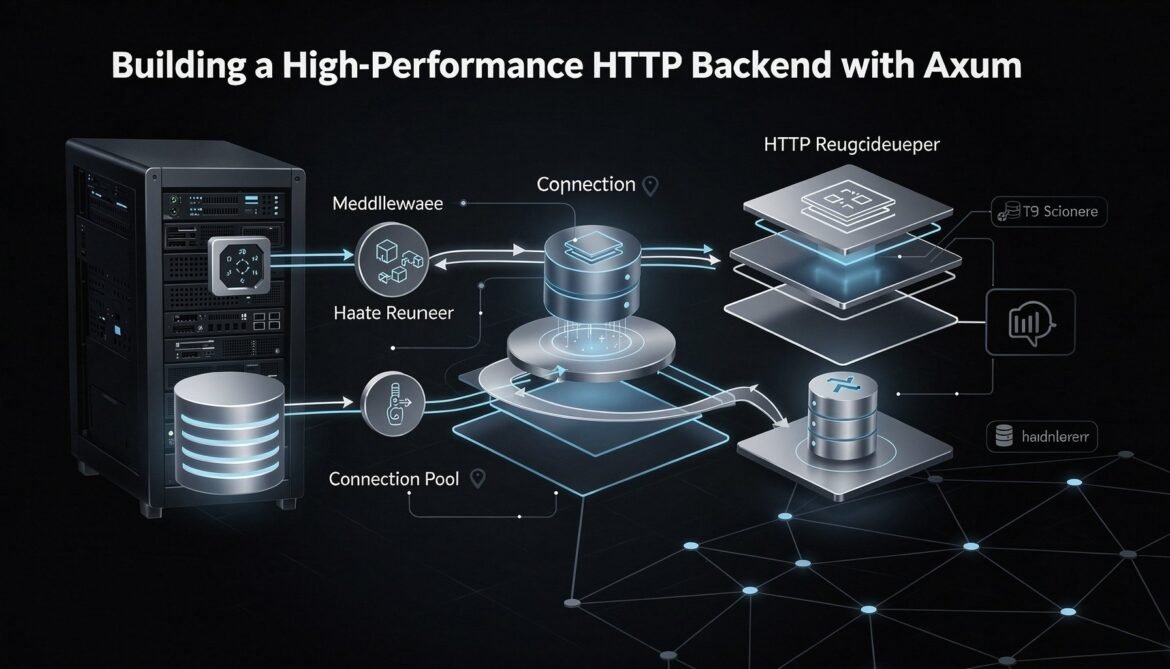
Building a production HTTP backend in Rust means more than wiring up routes. This post builds a complete Axum service with connection pooling, structured middleware, unified error handling, and graceful shutdown – patterns that hold up under real production load.
Tag: backend
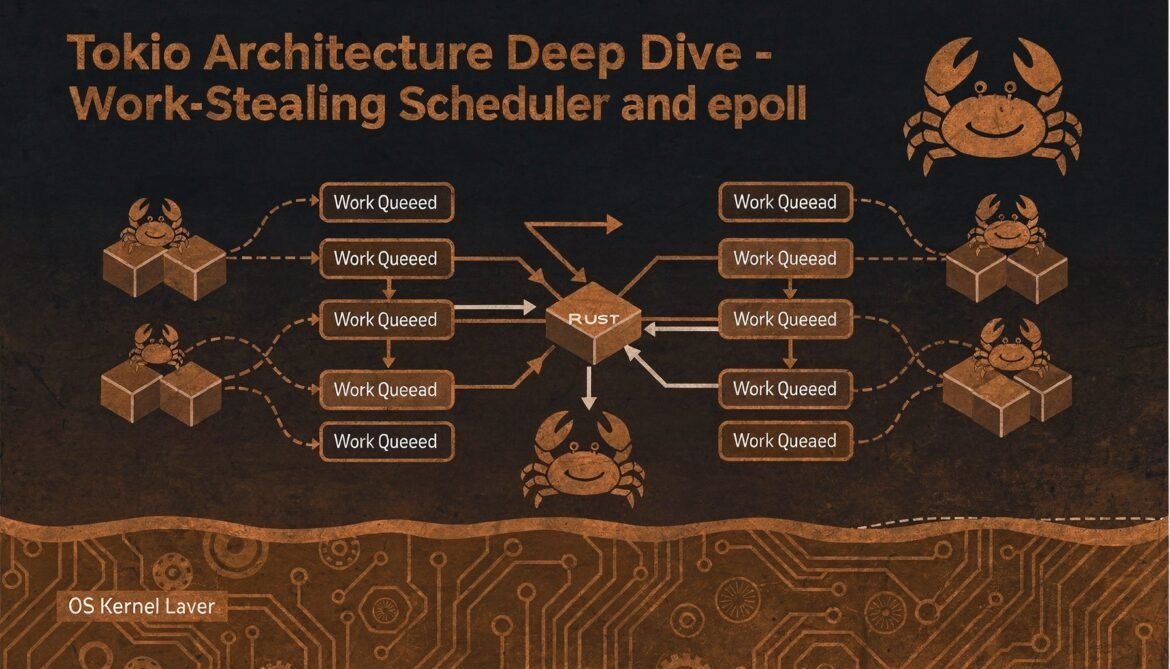
Async Rust with Tokio Part 2: Tokio Architecture Deep Dive – Scheduler, epoll, and Thread Model
Tokio is far more than an async runtime. This post goes inside the work-stealing scheduler, the epoll/kqueue/IOCP integration, the timer wheel, and the thread model that lets Tokio handle massive concurrency on a small number of threads.
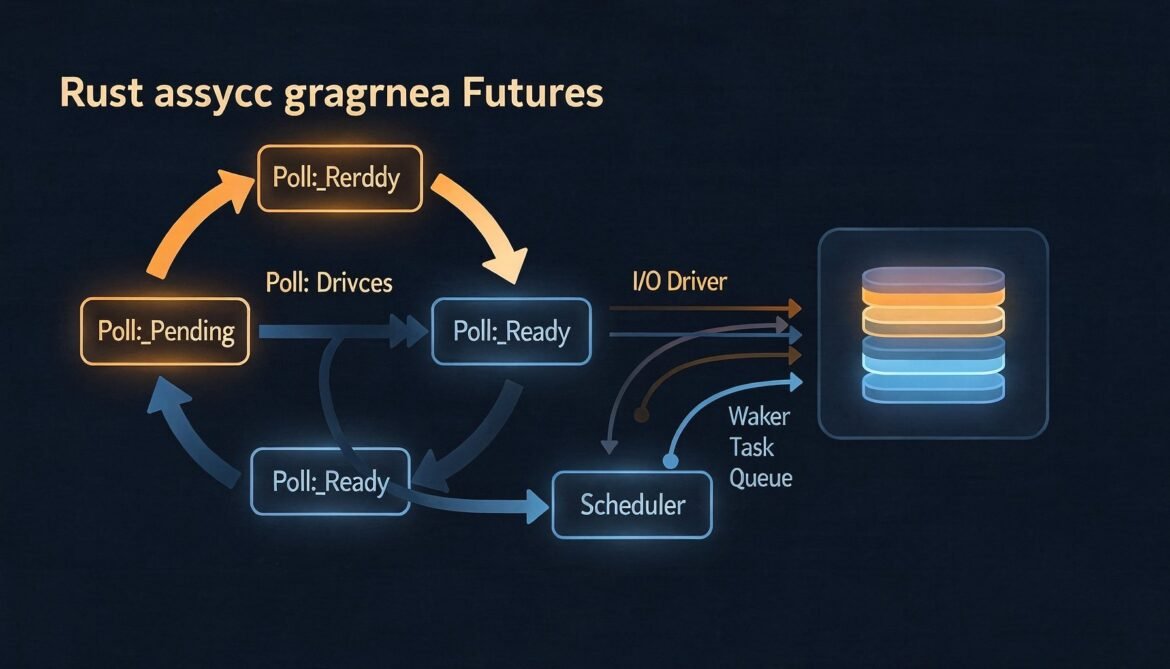
Async Rust with Tokio Series Part 1: How Async Rust Works – Futures, Poll, and the Runtime Gap
Most async Rust tutorials start with Tokio and skip what async actually is. This post goes back to first principles – the Future trait, the poll model, why Rust ships no runtime, and what a runtime is actually doing when it runs your code.
Async Rust with Tokio Part 1: How Async Rust Works – Futures, Poll, and the Runtime Model
Before you can use Tokio effectively, you need to understand what async Rust actually is under the hood. This post covers the Future trait, the poll model, why Rust has no built-in runtime, and how laziness gives you control that most async runtimes do not.

Sequelize with PostgreSQL in Node.js: Part 1 – Setup and Configuration
Building a robust backend requires more than just writing code. It requires a solid foundation where your application can seamlessly communicate with your database. In

Real-Time WebSocket Architecture Series: Part 2 – Building Your First WebSocket Server (Node.js)
Part 2: Learn to build your first WebSocket server using Node.js and Socket.io. Step-by-step tutorial with complete code for a real-time chat application.

Real-Time WebSocket Architecture Series: Part 1 – Understanding WebSocket Fundamentals
Part 1 of an 8-part comprehensive series on WebSocket architecture. Learn the fundamentals of real-time bidirectional communication, understand the protocol handshake, and discover when to use WebSockets vs alternatives.
The Complete NGINX on Ubuntu Series: Part 6 – NGINX as a Reverse Proxy and Load Balancer
Master NGINX reverse proxy configuration on Ubuntu. Learn load balancing, caching, security, and advanced proxy techniques for backend applications.



