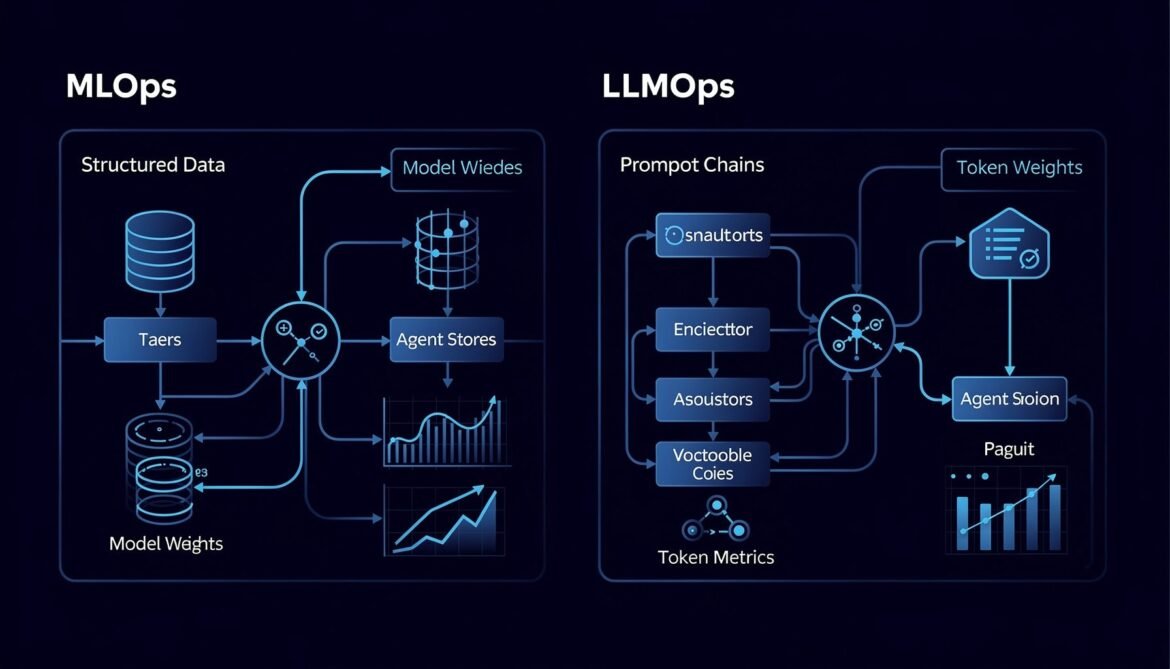
Most teams try to apply their existing MLOps practices to LLMs and hit a wall fast. This post breaks down exactly why LLMOps is a different discipline, where the gaps are, and what the new operational stack looks like in production.
Tag: Enterprise AI
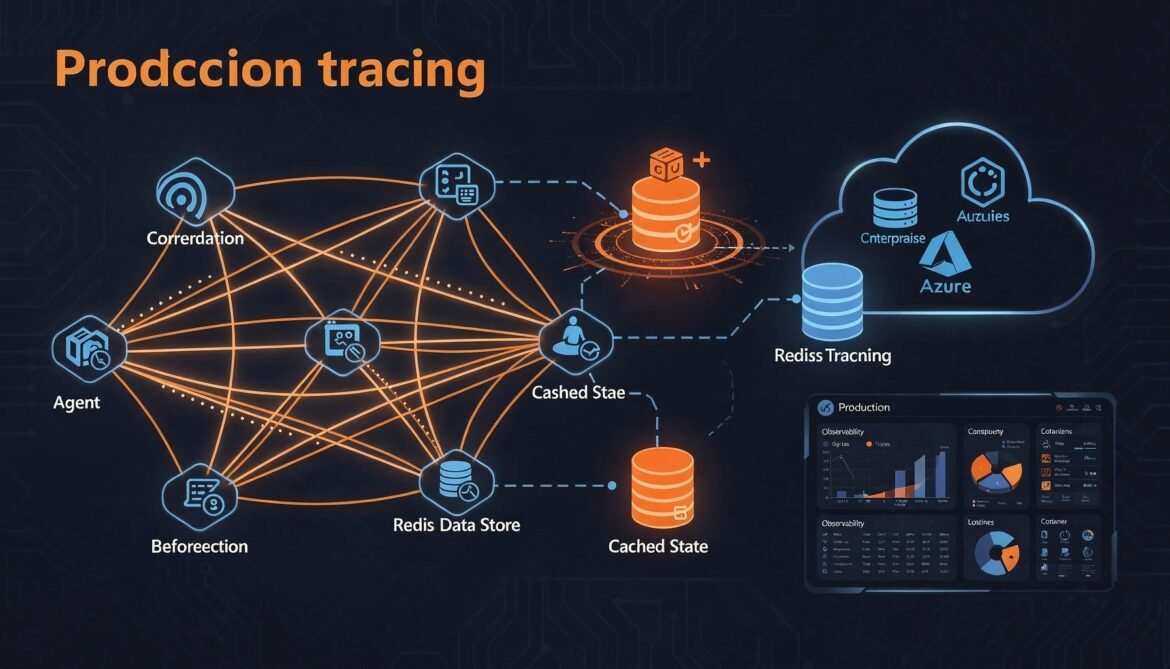
A2A in Production: Observability, Governance and Scaling (Part 8 of 8)
Take your A2A multi-agent system to production. Covers distributed tracing with OpenTelemetry across agent hops, structured logging with trace correlation, Redis-backed task store for horizontal scaling, and deployment on Azure Container Apps.
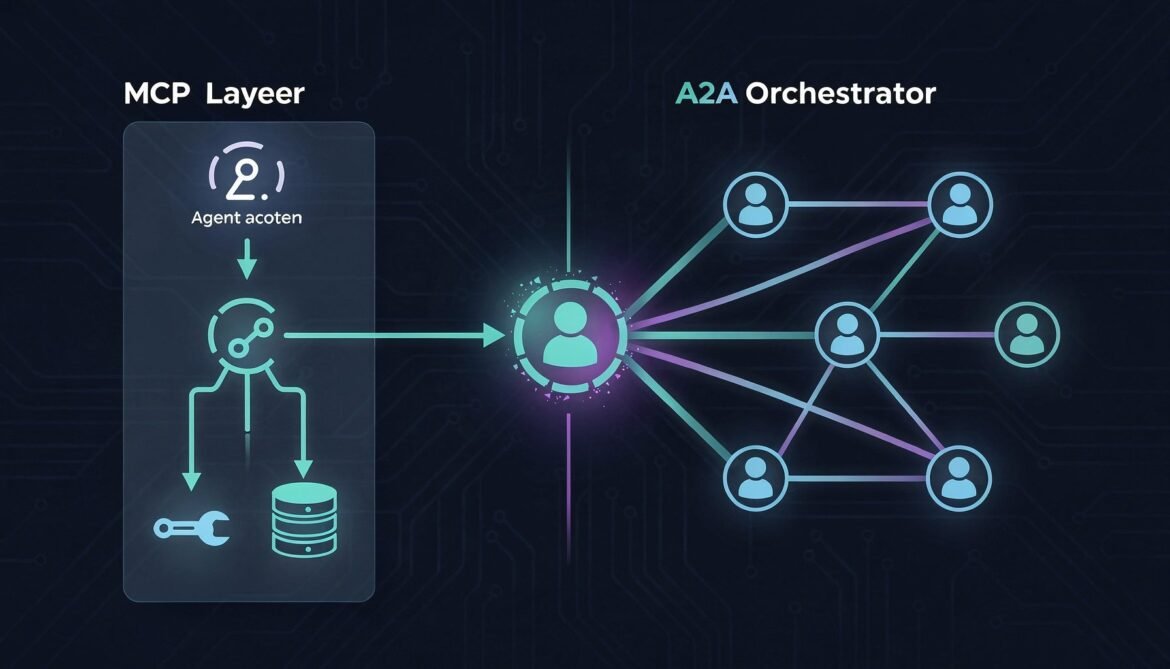
MCP and A2A Together: The Complete Agentic Stack (Part 7 of 8)
Combine MCP and A2A into one unified agentic stack. This post shows exactly where each protocol belongs, how they work together in a real enterprise workflow, and provides a complete Node.js implementation using both simultaneously.

Security, Authentication and Enterprise-Grade A2A (Part 6 of 8)
Harden your A2A agent system for enterprise production. Covers JWT verification, OAuth2 client credentials, mutual TLS, Agent Card signing, RBAC skill-level access control, and a complete security middleware implementation in Node.js.
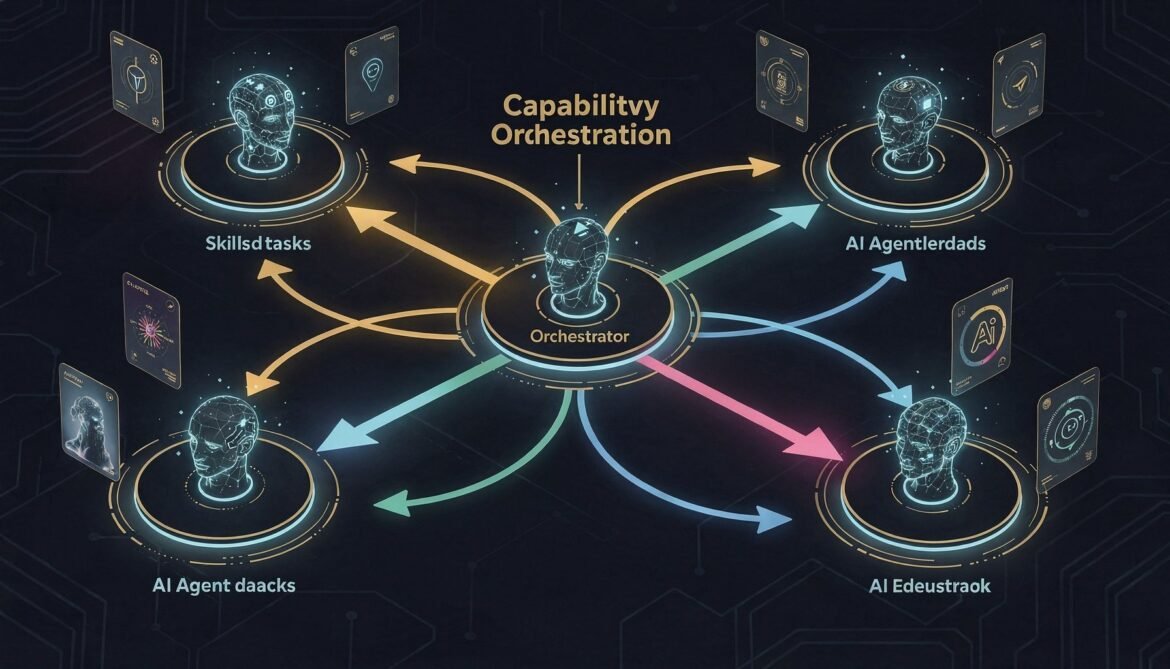
Agent Discovery and Orchestration: Building the Client Agent (Part 5 of 8)
Build the orchestrator layer of an A2A multi-agent system in Node.js. Covers Agent Card fetching, skill-based task routing, concurrent task execution, multi-turn interaction handling, and a complete working orchestrator you can run against the servers from Parts 3 and 4.
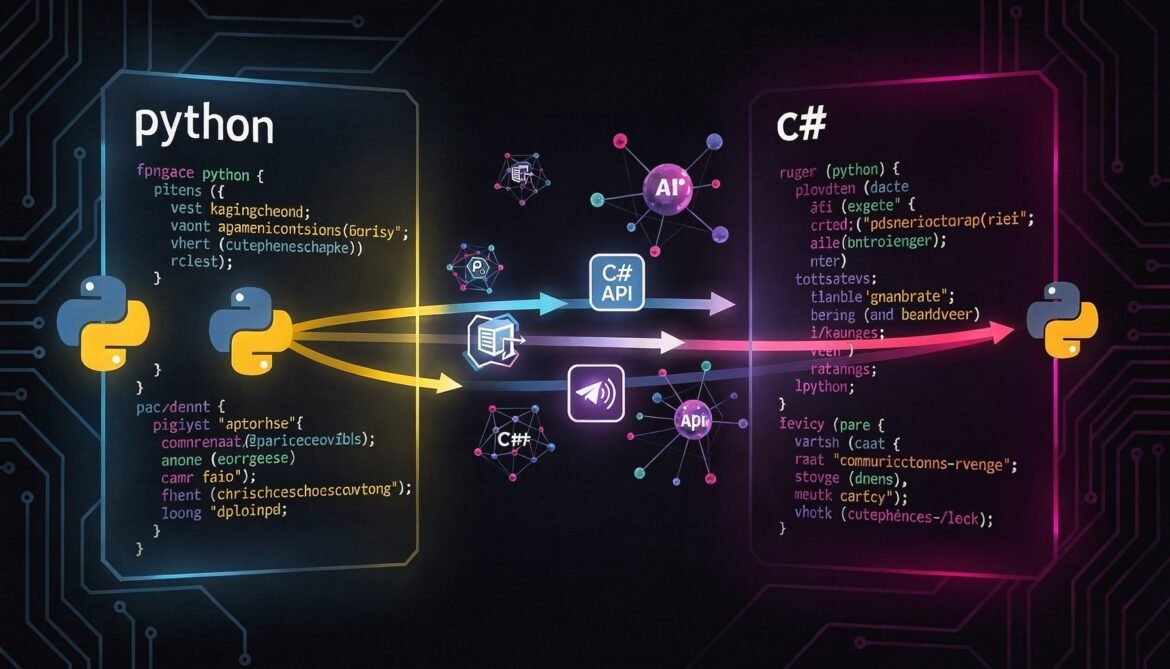
Building A2A Agent Servers in Python and C# (Part 4 of 8)
Implement a fully A2A-compliant agent server in both Python (FastAPI) and C# (ASP.NET Core). Same Inventory Management Agent from Part 3, same architecture, two more languages. Production-ready patterns for enterprise teams.
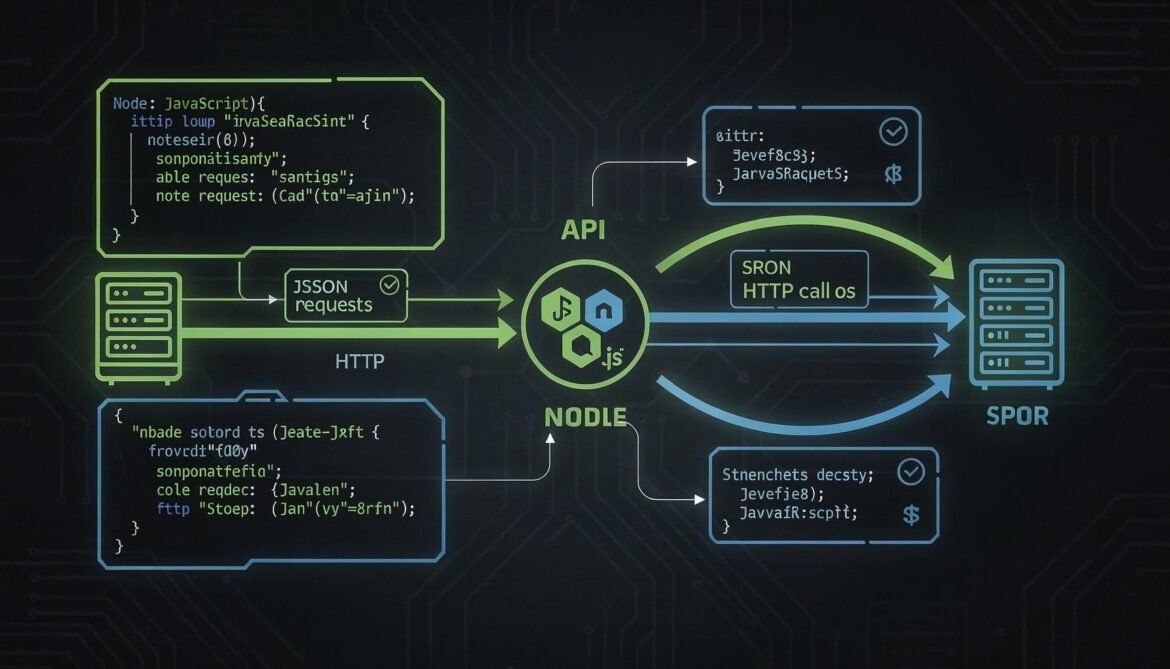
Building Your First A2A Agent Server in Node.js (Part 3 of 8)
Build a fully functional A2A-compliant agent server in Node.js from scratch. Covers the Agent Card endpoint, JSON-RPC task handler, SSE streaming, in-memory task store, push notification support, and a working test client.
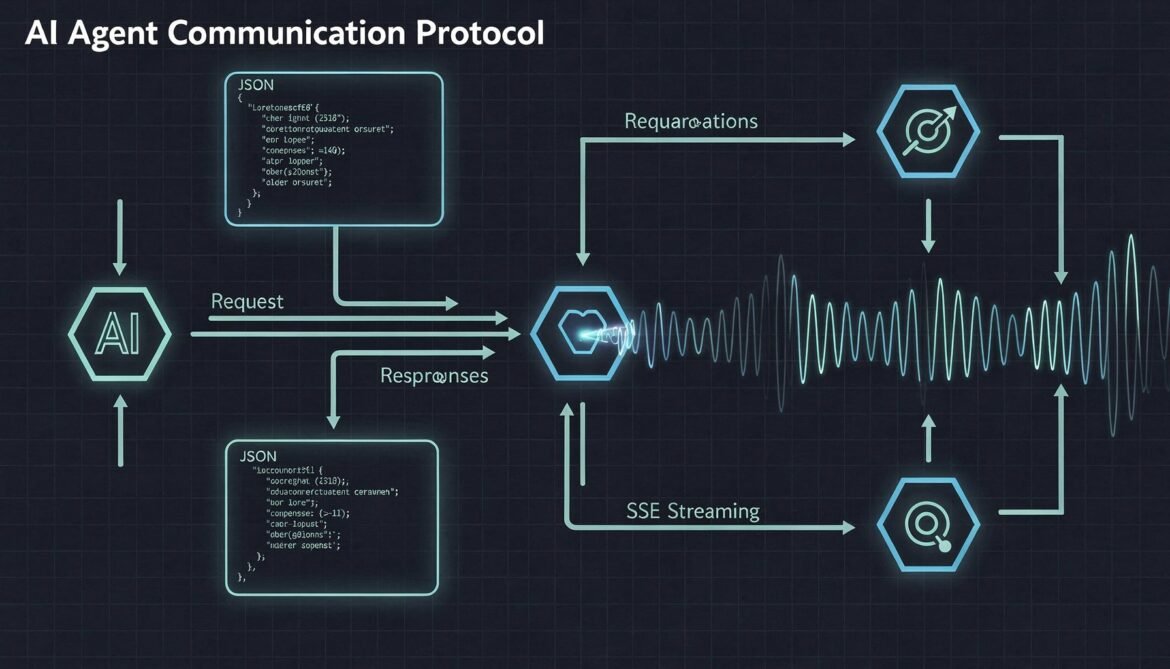
A2A Protocol Core Architecture: Agent Cards, Tasks, and Message Flow (Part 2 of 8)
Understand how the A2A protocol works under the hood. This deep dive covers Agent Cards, JSON-RPC message formats, task lifecycle states, SSE streaming, and the complete request-response flow between agents.
What is the A2A Protocol and Why It Matters in 2026 (Part 1 of 8)
The Agent2Agent (A2A) protocol is the new open standard for AI agent interoperability. Learn what it is, how it differs from MCP, why 50+ enterprise partners are backing it, and why every enterprise developer needs to understand it in 2026.

Real-World AI ROI: Case Studies and Business Outcomes from Production Deployments
As AI systems transition from experimental pilots to production scale, the question shifts from “What can AI do?” to “What business value does AI deliver?”



